42 Calyx Software
Utilities configuration
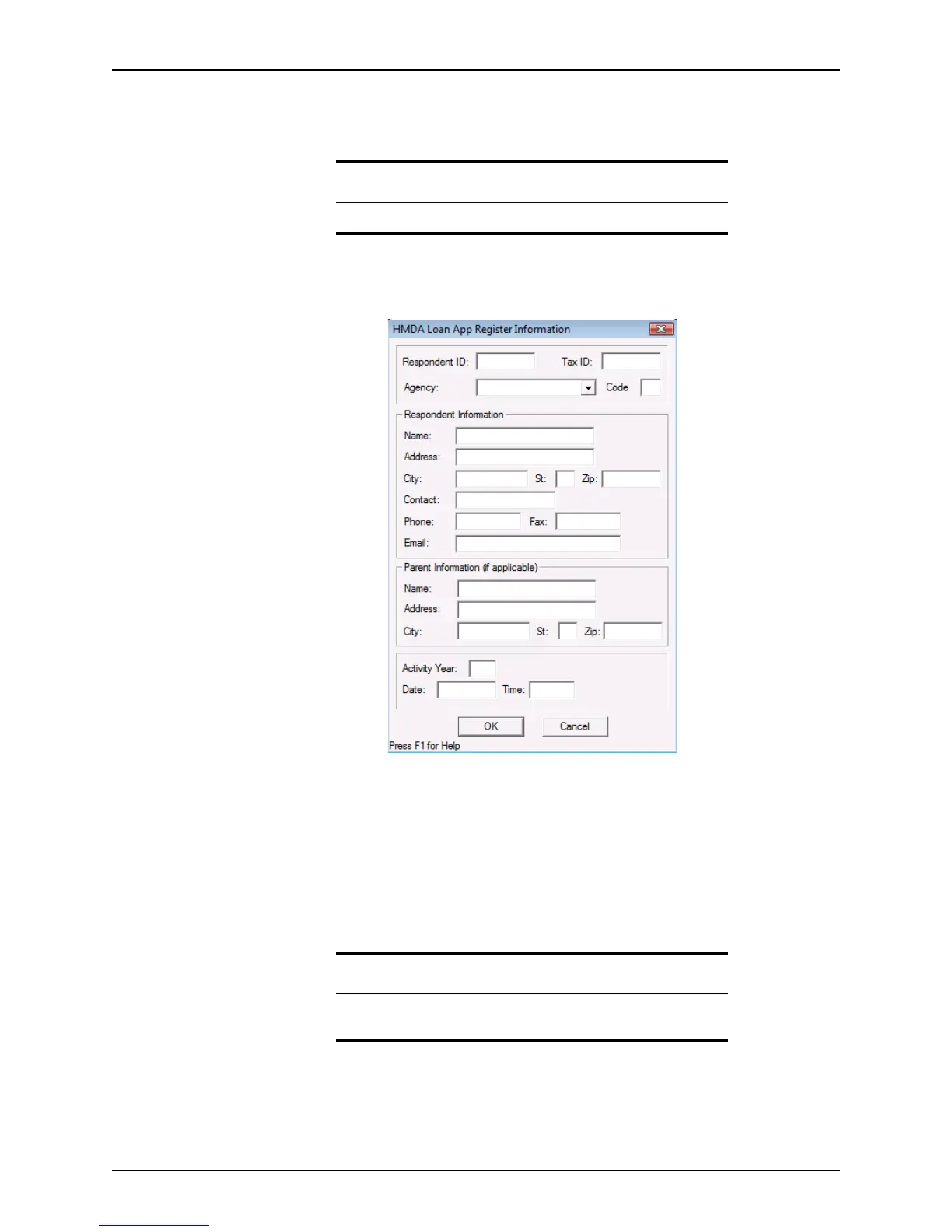
To enter the HMDA registration information:
1 Open a borrower file.
2 Select Utilities > Company Defaults > HMDA Register Info.
The
HMDA Loan App Register Information dialog box is displayed.
3 Enter the lender’s information in the
RespondentID, TaxID, Agency, and Code fields.
4 Enter the lender’s name, address, contact person, and contact information in the
Respondent Information section.
5 If the lender is a subsidiary, enter the parent company information in the
Parent
Information
section.
6 Enter the year of the report in the
ActivityYear field and complete the Date and Time
fields.
7 Click OK.
Specifying late document criteria
Use the Docs Due In option to set the default for the number of days after a due date that
a document is considered late.
Attention
The HMDA Register Info option is not available in prospect files.
Related information
Refer to Chapter 20, HMDA reporting, for more information about
registering loan applications.



 To Next Page