Point User Guide 407
Documenting borrower and prospect personal information
6 Click OK.
Documenting borrower and prospect personal information
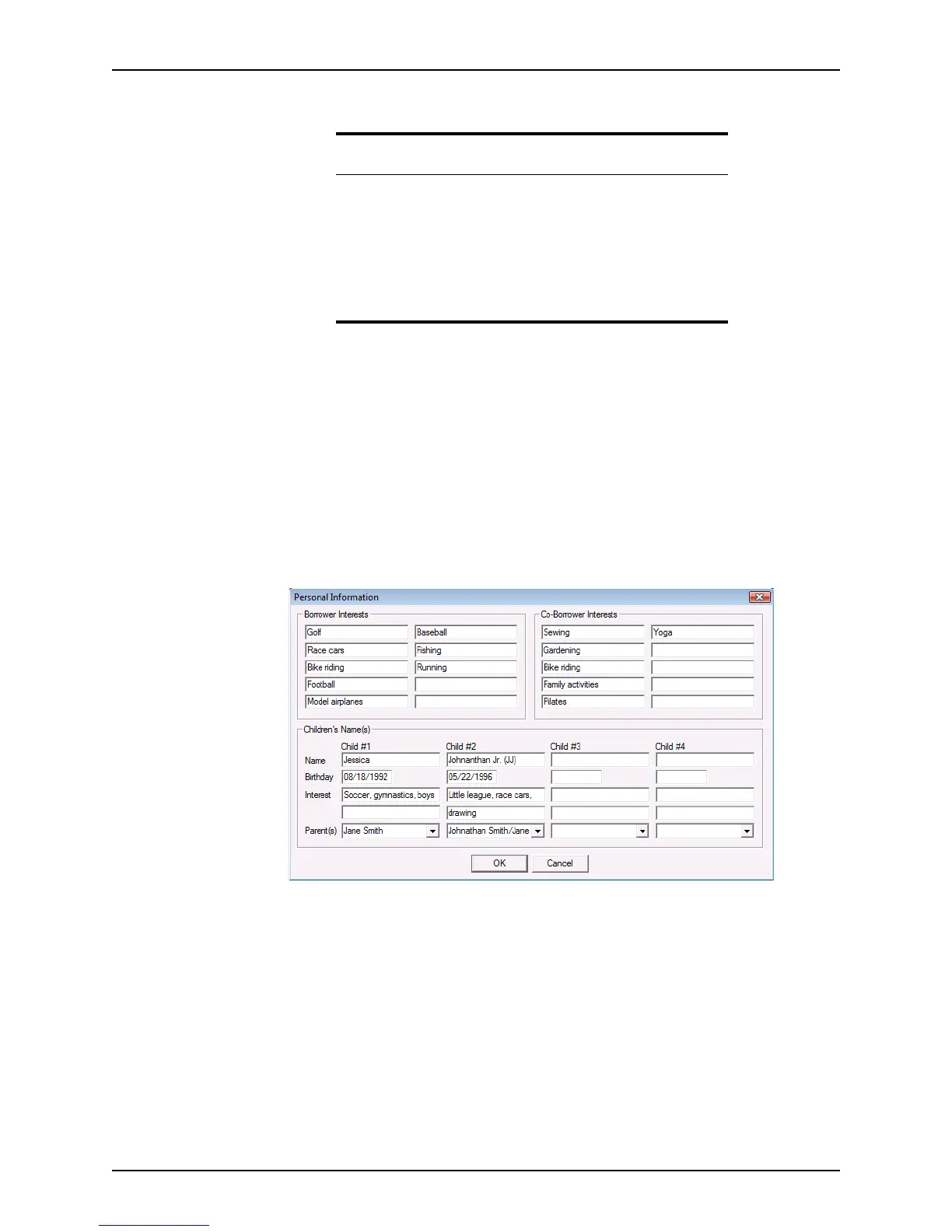
Use the Personal Information dialog box to record personal information about your
prospects and borrowers, such as their activities, hobbies and other interests, and specific
information about their children.
To access the
Personal Information dialog box, click the Personal Info button that is
located at the bottom of the
Borrower and Prospect Information screens.
To use the
Personal Information dialog box:
1 Open a borrower or prospect file.
2 Click the Personal Info button.
3 Record the borrower and co-borrower’s interests in the
Borrower Interests and Co-
Borrower Interests
sections.
4 If the clients have children, enter any information that you know about their children in
the blank fields.
5 Click OK.
Client communication
Point contains tools to help you track communication and document conversations with
prospects and borrowers.
Attention
The logo is automatically inserted into the following forms when printed
or previewed:
• Amortization Schedule
•Cash to Close
• Debt Consolidation Worksheet
• Loan Comparison
• Prequalification
•Rent vs. Own



 To Next Page