456 Calyx Software
Contact management (Cardex)
{none}
No text qualifier is used.
" (double quotation mark)
Text that is contained within double quotation marks is considered one value.
' (single quotation mark)
Text that is contained within single quotation marks is considered one value.
6 If your text file contains field headings, select the
Has Field Names in First Row check
box.
7 Click Next.
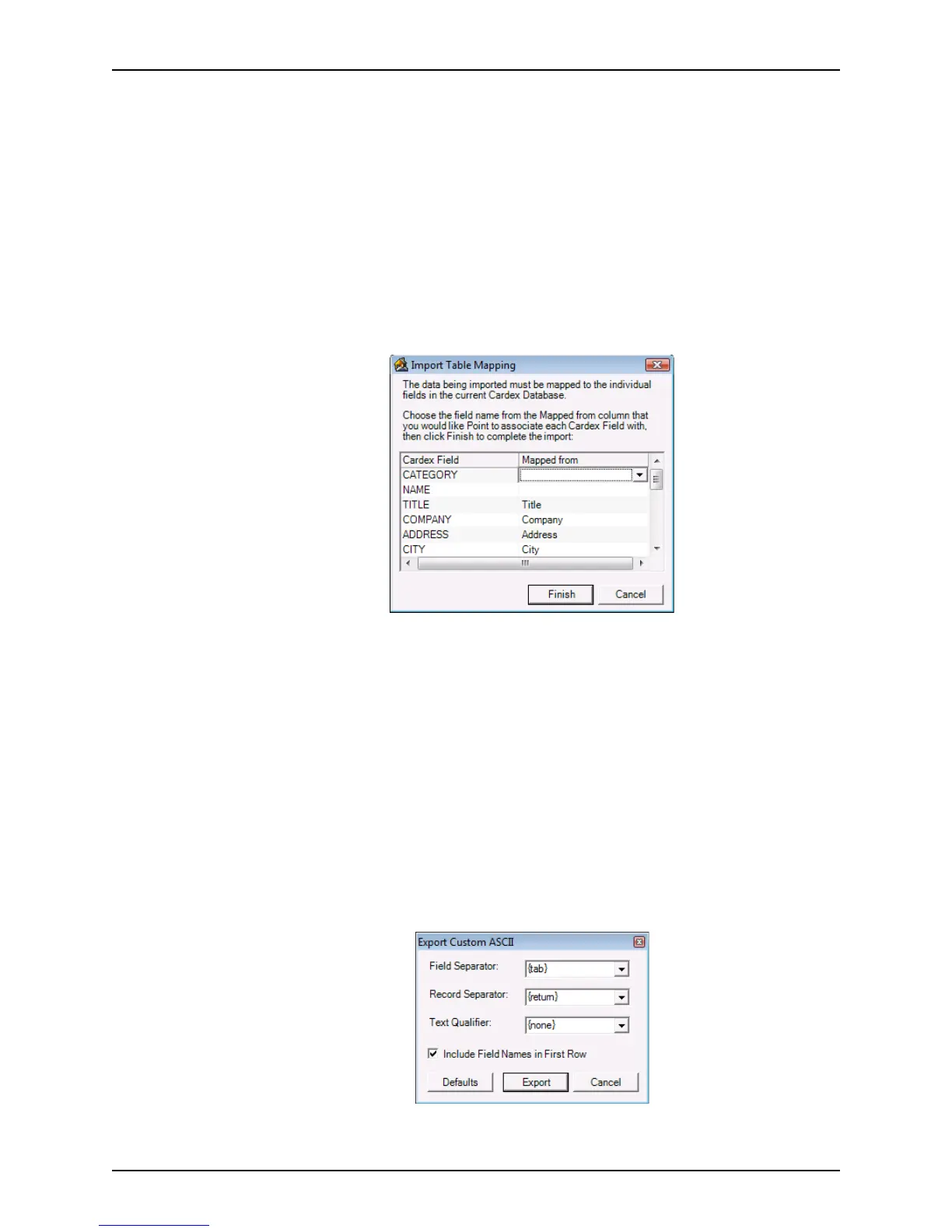
The
Import Table Mapping dialog box is displayed.
8 For each Cardex field, select the field to map it to from the corresponding Mapped from
dropdown list.
Map as many fields as needed. Unmapped fields will remain empty.
9 Click Finish to launch the import.
The records from the comma-delimited file are added to your Cardex database.
Exporting data from Cardex
To export data from the Cardex database:
1 Select Utilities > Cardex Database.
2 From the toolbar in the
Cardex Database [Browsing for all records] dialog box,
select File > Export.
The
Export Custom ASCII dialog box is displayed.
3 Select the Field Separator, Record Separator, and Text Qualifier.



 To Next Page