368 Calyx Software
Reports
Generating standard reports
To generate a report by using one of the standard report templates:
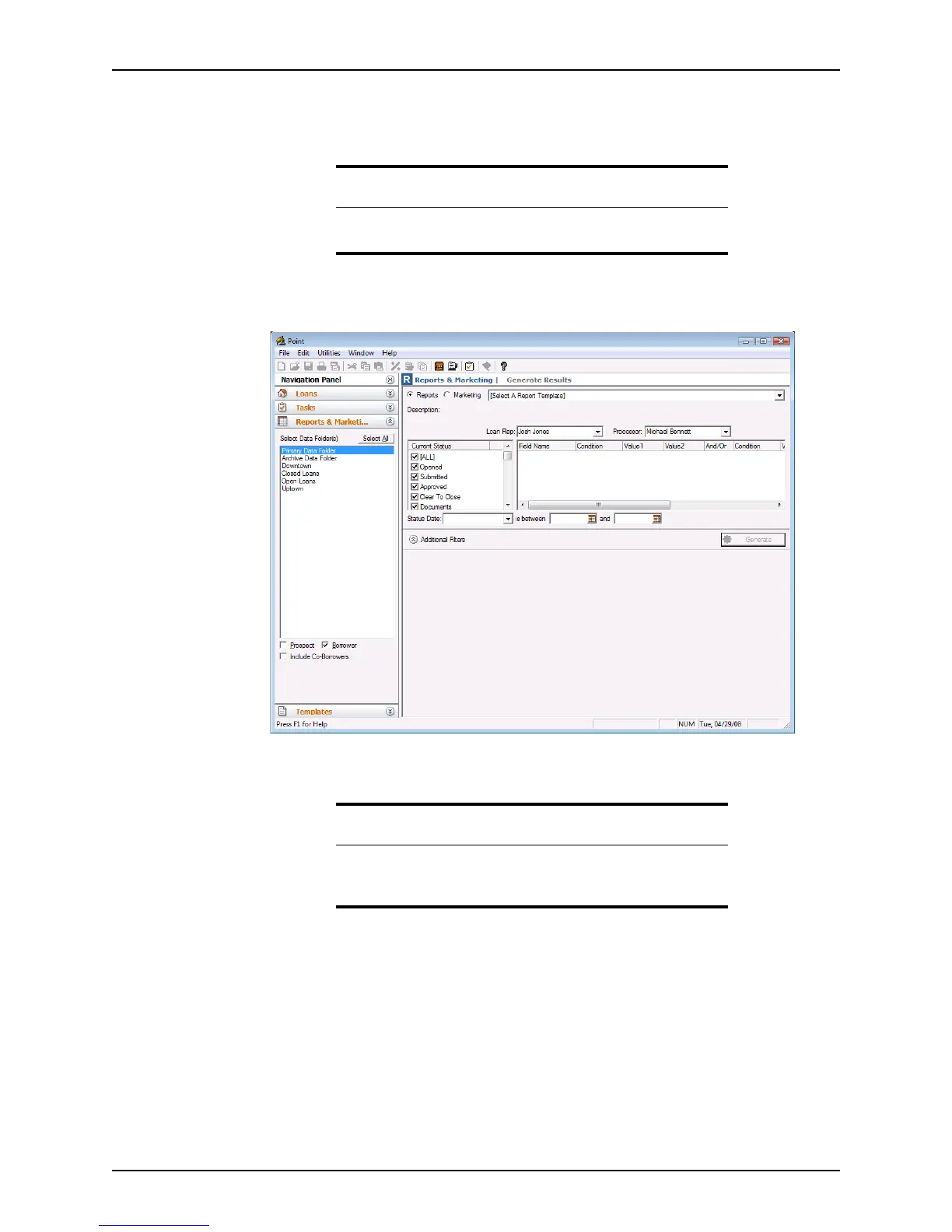
1 Click the Reports & Marketing tab from the navigation panel to open the
Reports &
Marketing Generate Results
screen.
2 Select the data folders where the data is to be obtained. Click Select All to collect
report data from all data folders.
3 Select the file types that you want to include in the report by using any combination of
the
Prospect, Borrower, and Include Co-Borrowers check boxes.
Important
For accurate reports, it is important to verify that the time and date are
set correctly on your computer before you run any reports.
Attention
You can retrieve data only from data folders for which you have
authorization. Therefore, if you select a data folder that you are not
authorized to access, no data is retrieved.



 To Next Page