48 Calyx Software
Utilities configuration
9 Click OK after you have entered each fee tier.
10 To designate a table as the default table, select the table from the
Escrow: Purchase
dialog box and click Set as Default.
An asterisk is prepended to the table name.
Use the Edit and Delete buttons to modify and delete tables.
Setting up a proxy server
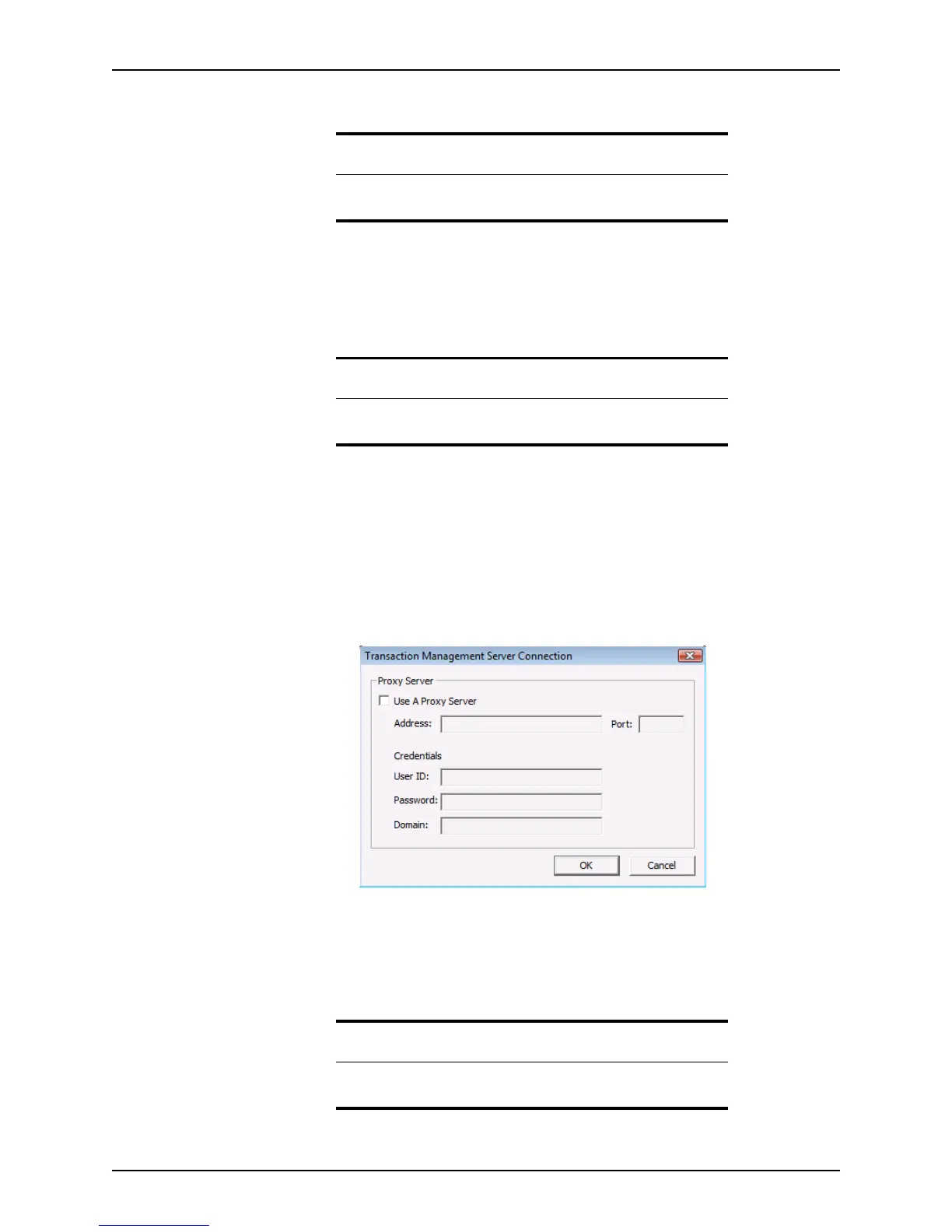
Use the TMS Connection Setup option to set up the Transaction Management Server
connection for sending and receiving information to and from third party vendors.
To configure the TMS connection:
1 Select Utilities > TMS Connection Setup.
The
Transaction Management Server Connection dialog box is displayed.
2 Select the
Use a Proxy Server check box to enable the dialog box fields.
3 Enter your IP address and port in their respective fields.
4 Complete the
Credentials section with your user ID, password, and domain name.
5 Click OK to save the settings.
Caution
If you enter a sales, loan, or appraisal amount in the loan application that
is not defined in one of the tiers, an escrow fee value is not calculated.
Related information
Refer to Good Faith Estimate, on page119, for more information about
using the escrow and title tables in the
Good Faith Estimate.
Tip
Contact the IT support professional in your organization for assistance
with setting up your proxy server.



 To Next Page