Point User Guide 283
Subordinate financing
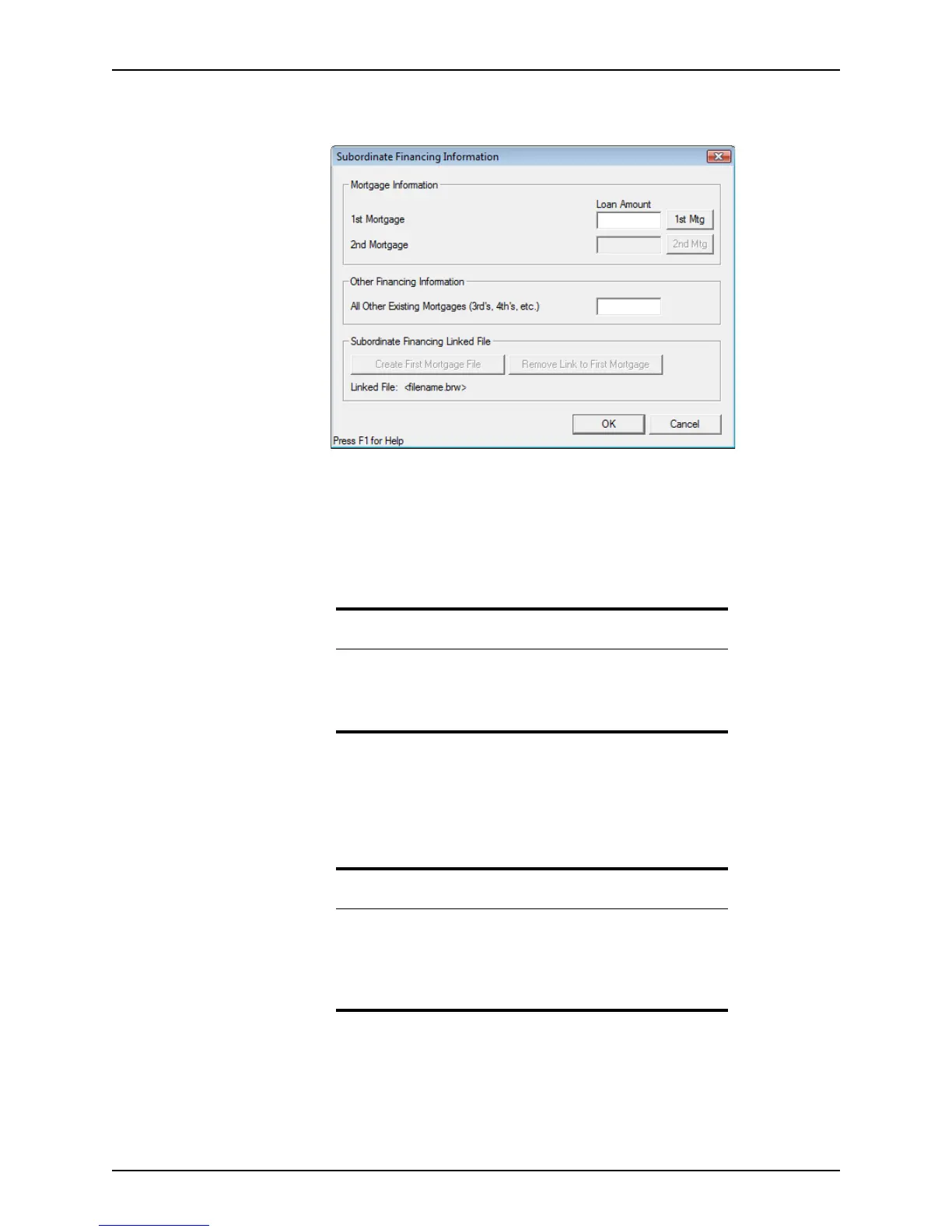
9 Click the Sub Financing button to open the Subordinate Financing Information
dialog box.
10 Enter the amount of the first mortgage.
11 Enter other mortgage payments in the
Other Financing Information section and click
OK.
12 In the
Present Monthly Housing Expense section on page 2 of the Loan Application,
enter the present mortgage payment for the borrower’s primary residence and any
additional costs such as insurance and taxes.
Creating concurrent purchase loans (80-10-10)
When using a first and second loan for a purchase, the first loan is usually for 80% of the
value of the home, the second loan is for 10%, and the remaining 10% is the buyer’s down
payment.
Related information
• Refer to Borrower and prospect information screens, on page151,
for more information about the
Borrower Information screen.
• Refer to Chapter 5, Loan Application, for more information about the
Loan Application.
Attention
Down payment includes the second mortgage loan amount combined
with the down payment. It does not show on the
Loan Application.
The monthly payment calculates in the HE&Oblig field, and transfers to
page 2 of the
Loan Application. It is displayed in the Proposed Monthly
Housing Expenses
section.



 To Next Page