284 Calyx Software
Loan scenarios
To create the first loan:
1 Create a new prospect or borrower file.
2 Complete the following information in the
Borrower Information screen:
a Enter the borrower and co-borrower information.
b In the
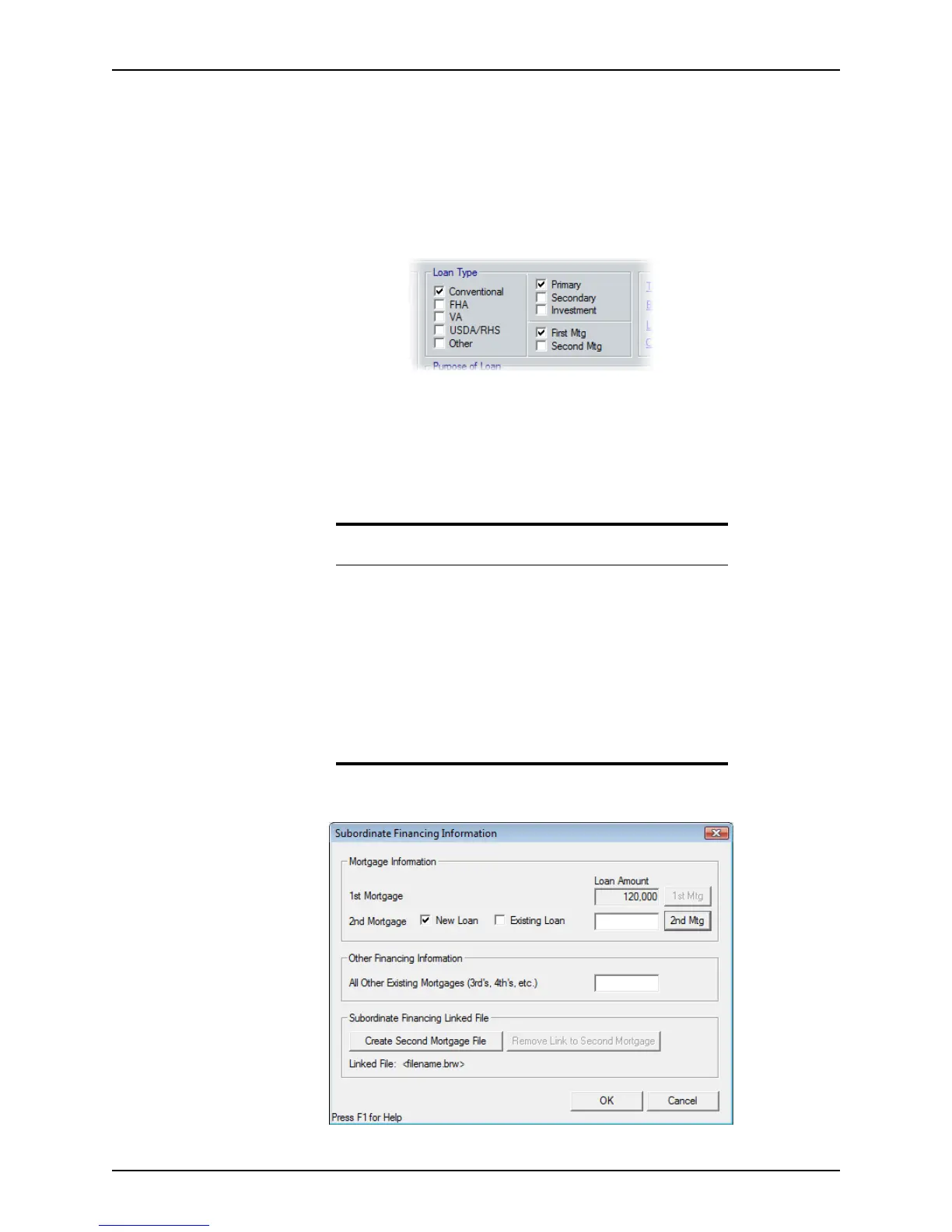
Loan Type section, select Conventional, select Primary as the property
type, and select
First Mtg as the lien position.
c In the
SalesPrice, ApprValue, LoanAmt, NoteRate, and Term/Due fields, enter
the information for the first mortgage.
For this example, a 20% down payment is used.
The
LTV and the CLTV fields should both show 80%.
d Click the Sub Financing button.
The
Subordinate Financing Information dialog box is displayed.
Note
Two fields for subfinancing information are available in the Details of
Transaction
section on page 4 of the Loan Application.
TheNewFirstMortgage field is grayed out if the open file is the first lien
file. The ClosingCostsfromNewSecondMortgage field is enabled.
ClosingCostsfromNewSecondMortgage are automatically populated
when the new second mortgage is created and the closing costs are
entered to match the following fields:
• CashFrom/ToBor (field p) in the
Details of Transaction section on
page 4 of the
Loan Application.
• TotalEstimatedFundstoClose field on the
Good Faith Estimate.



 To Next Page