464 Calyx Software
Data folder and user management
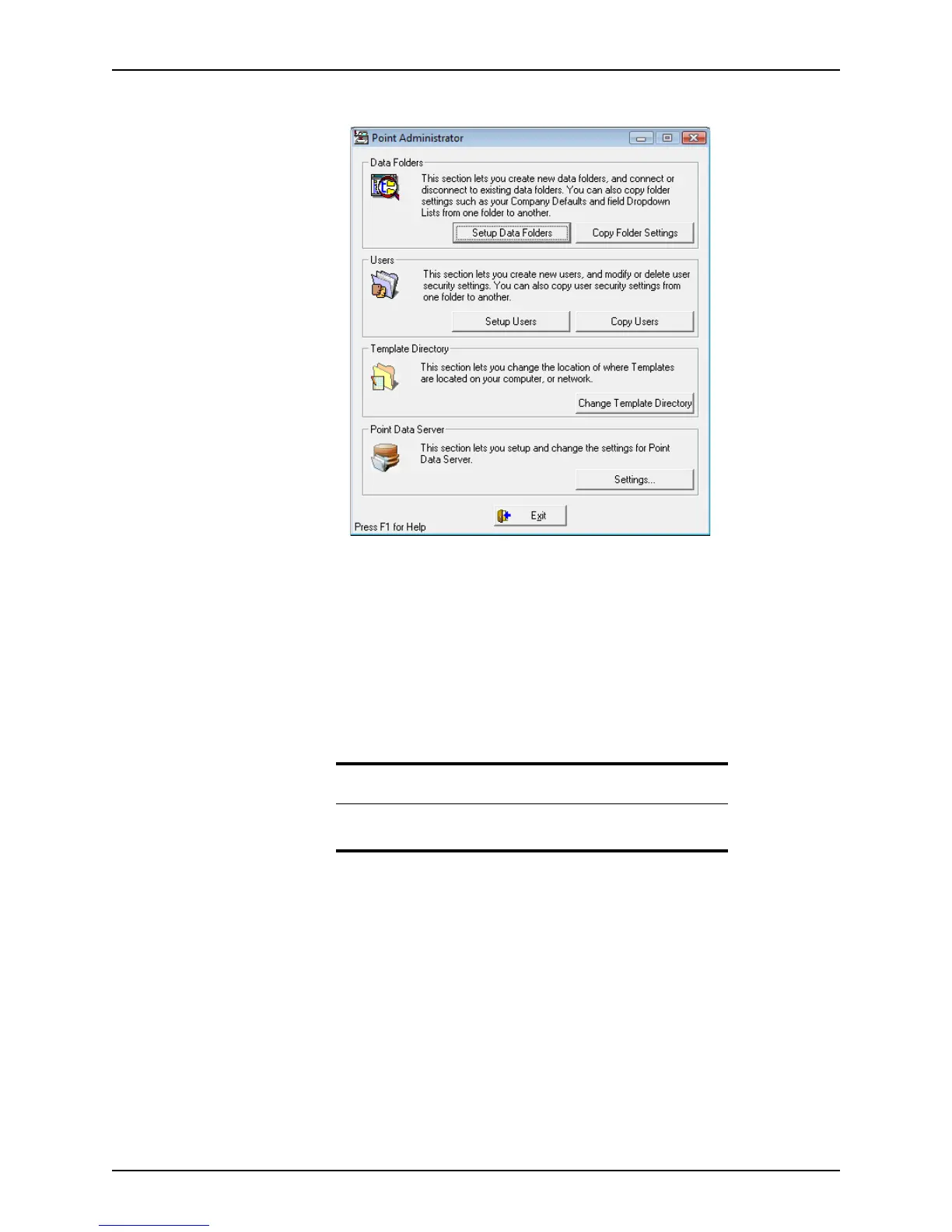
The Point Administrator dialog box is displayed:
Managing data folders
Use the data folder function to do the following actions:
• Create new data folders
• Connect existing data folders
• Disconnect existing data folders
• Manage folder owners
• Modify folder properties
• Change the order in which the folders are listed in the dropdown lists
Establishing initial ownership of the Primary Data Folder
Establishing initial ownership of the Primary Data Folder ensures more data security and
file control. You should establish an owner of the primary data folder when you open it for
the first time.
To establish folder ownership:
1 Open Point Administrator.
2 Select Setup Data Folders.
Recommendation
For best results, do not store more than 1500 files in a single data folder.
Storing more files will cause slower performance during searches.



 To Next Page