Point User Guide 465
Managing data folders
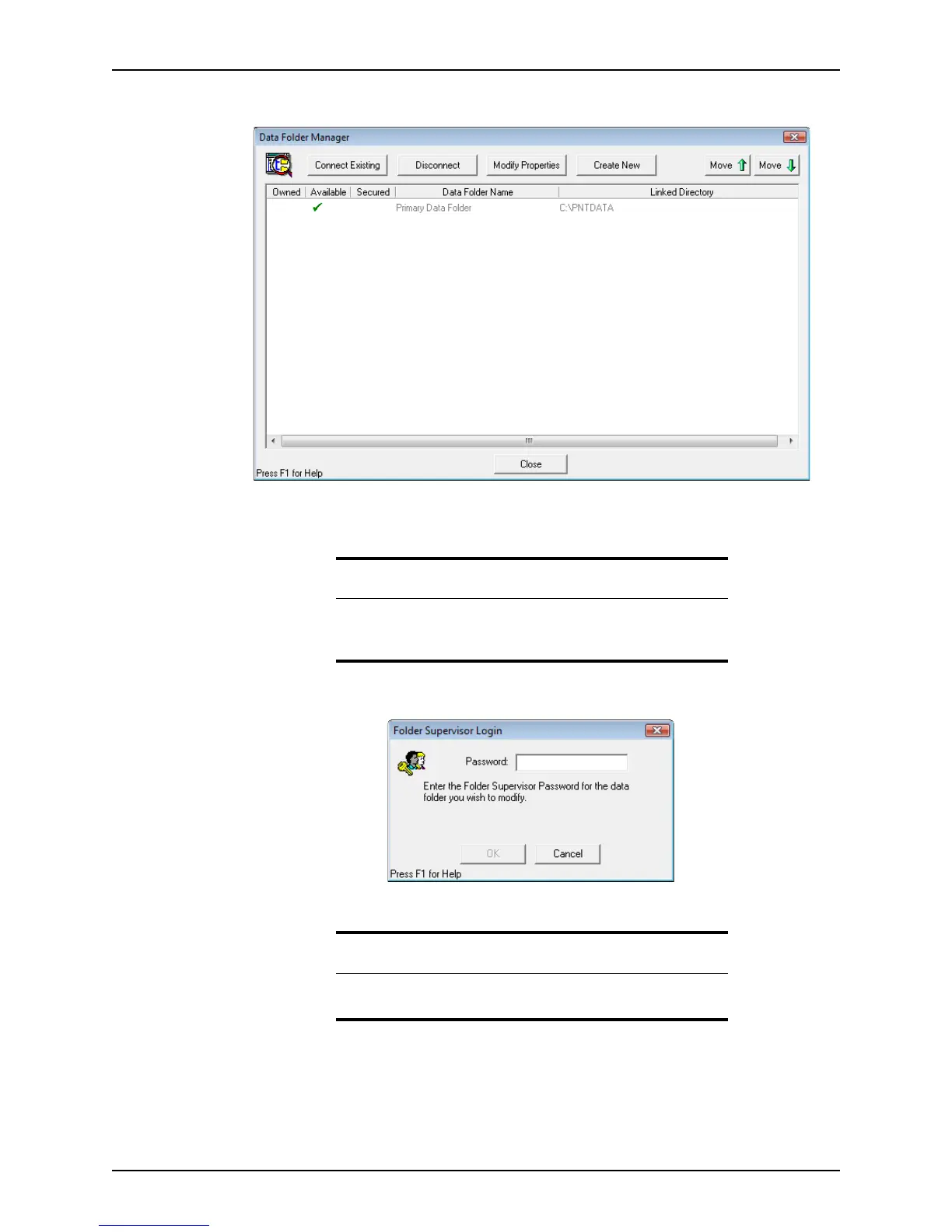
The Data Folder Manager dialog box is displayed.
If a data folder has an owner, the
Owned column contains a check mark.
3 Select the data folder and click Modify Properties.
The
Folder Supervisor Login dialog box is displayed.
4 Enter a password in the
Password field and click OK.
5 Re-enter your password in the
Password Verification dialog box.
Tip
If you already established ownership of another data folder and you use
the same password for this folder, you can copy settings from the
established folder to this one.
Important
Passwords are case-sensitive. Use a password that is easy to remember or
store the password in a safe place.



 To Next Page