308 Calyx Software
Integrated products and services
Specifying investors and products
Before ordering closing documents and initial disclosures, you must first select the
investors and the product.
To specify the vendor to provide the documents:
1 Open a borrower file.
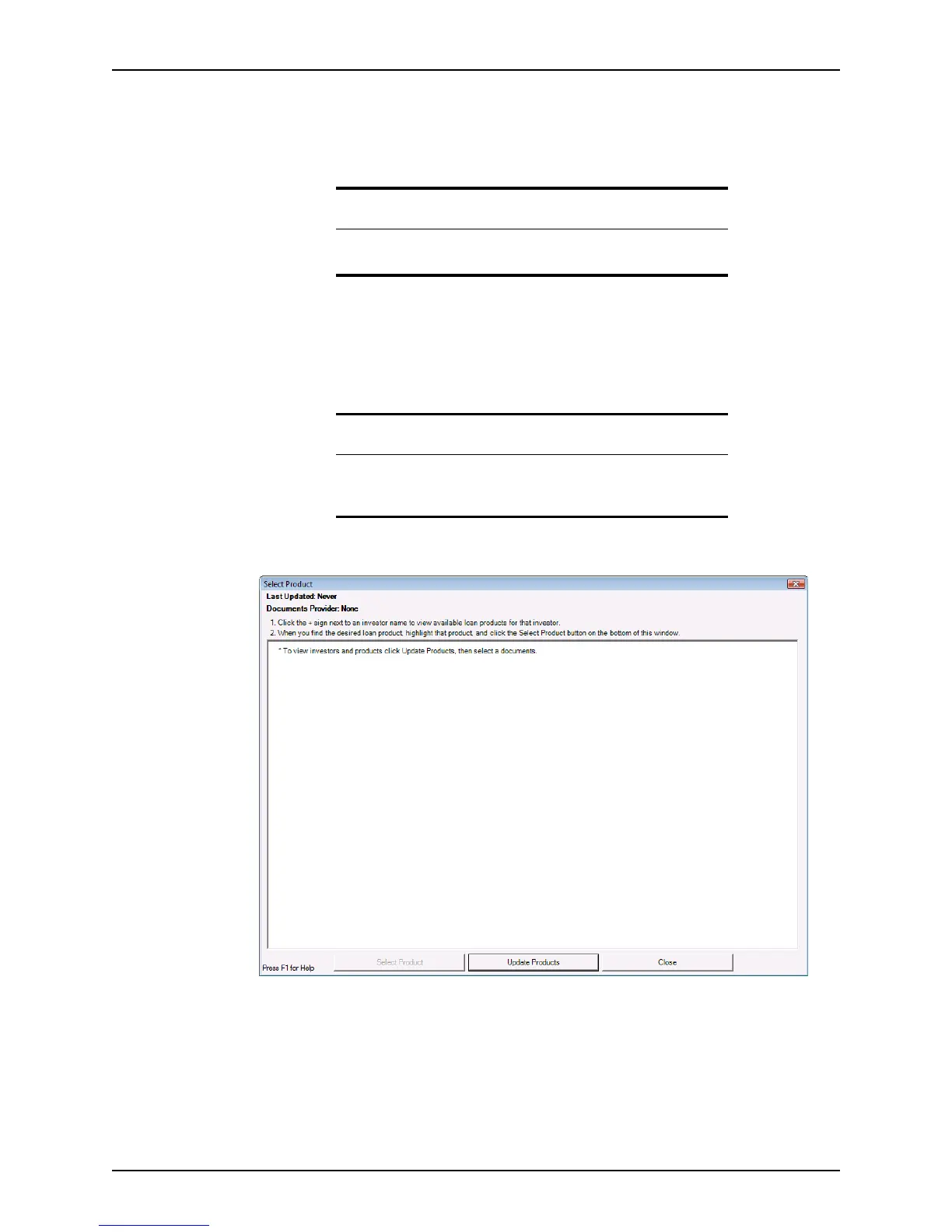
2 Select Services > Closing Documents > Select Product (or Services > Initial
Disclosures > Select Product).
The
Select Product window is displayed.
The first time this screen is accessed, the Select Product list is empty.
Tip
You can also specify investors and products from the Closing and Loan
Product
screens.
Requirement
If you attempt to specify a documents provider in a file that was not
previously saved, a message is displayed that prompts you to save and
name the file.



 To Next Page