Point User Guide 309
Services
3 Click Update Products to update a provider list with the investors and products that
they currently offer.
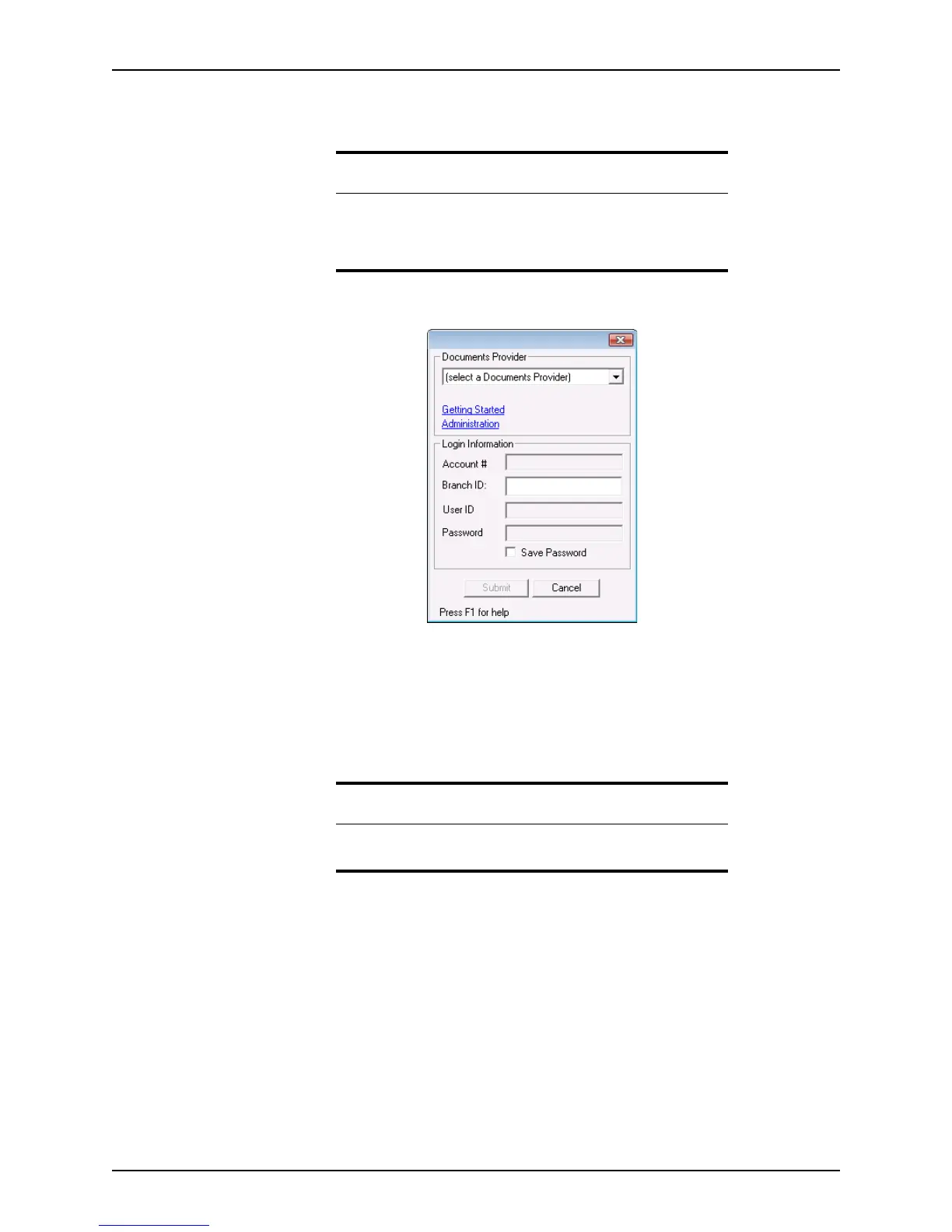
The document provider login dialog box is displayed.
4 Select a provider from the Documents Provider dropdown list.
The provider telephone number and web page links are provided if you need
additional information or need to create or update an account.
5 Enter your
UserID and Password for the selected document provider and click
Submit. Depending on the document provider, you also might be required to enter
your account number and branch ID.
The
AccountNumber, BranchID, and UserID are automatically saved for future
access to this provider.
To save your password, select the
Save Password check box.
Recommendation
Update the Select Product list regularly to verify that your product
selection is still available. If the selected product was discontinued after
the product selection was made, an error will occur when you submit
your request.
Requirement
If you do not have a user ID and password for the provider that you want
to use, contact them to set up an account.



 To Next Page