6 Calyx Software
Installation
8 Click Finish to complete the installation process.
Advanced installation
Advanced installations are done on networks with up to ten or more computers. Use a
custom installation for a network of fewer than ten computers, and an administrative
installation on a network of ten or more computers.
Custom installation
The custom installation is used when you want to specify the location of the application
and data folders. A custom installation is typically used in a network environment with
fewer than ten computers.
If you are upgrading from a previous version of Point, all of your previous settings are
saved. If you are installing Point on a new computer, add network data folders after the
installation is finished. This option is recommended for most users.
To complete a custom installation:
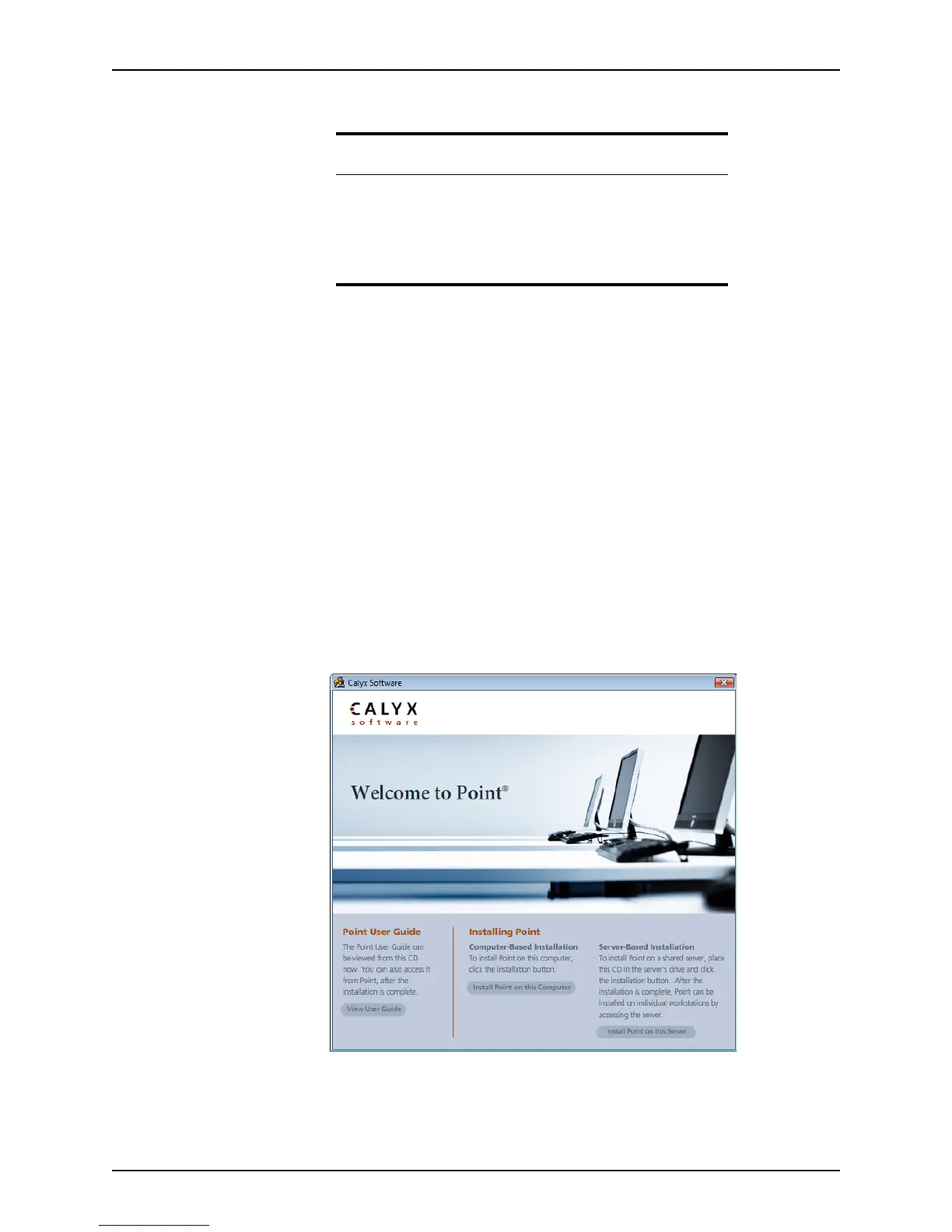
1 is installed on the computer. the Point CD into the CD-ROM drive to start the
installation process.
2 Click Install Point on this Computer.
The InstallShield Wizard configures the Point installer and checks for any missing
prerequisites.
Related information
For more information about installing Point, see the following
Knowledge Base articles at www.calyxsupport.com.
• #0126 Installation Troubleshooting
• #0128 Installing Point in Windows Safe Mode
• #0207 Networking Point with an Admin installation



 To Next Page