Point User Guide 5
Typical installation
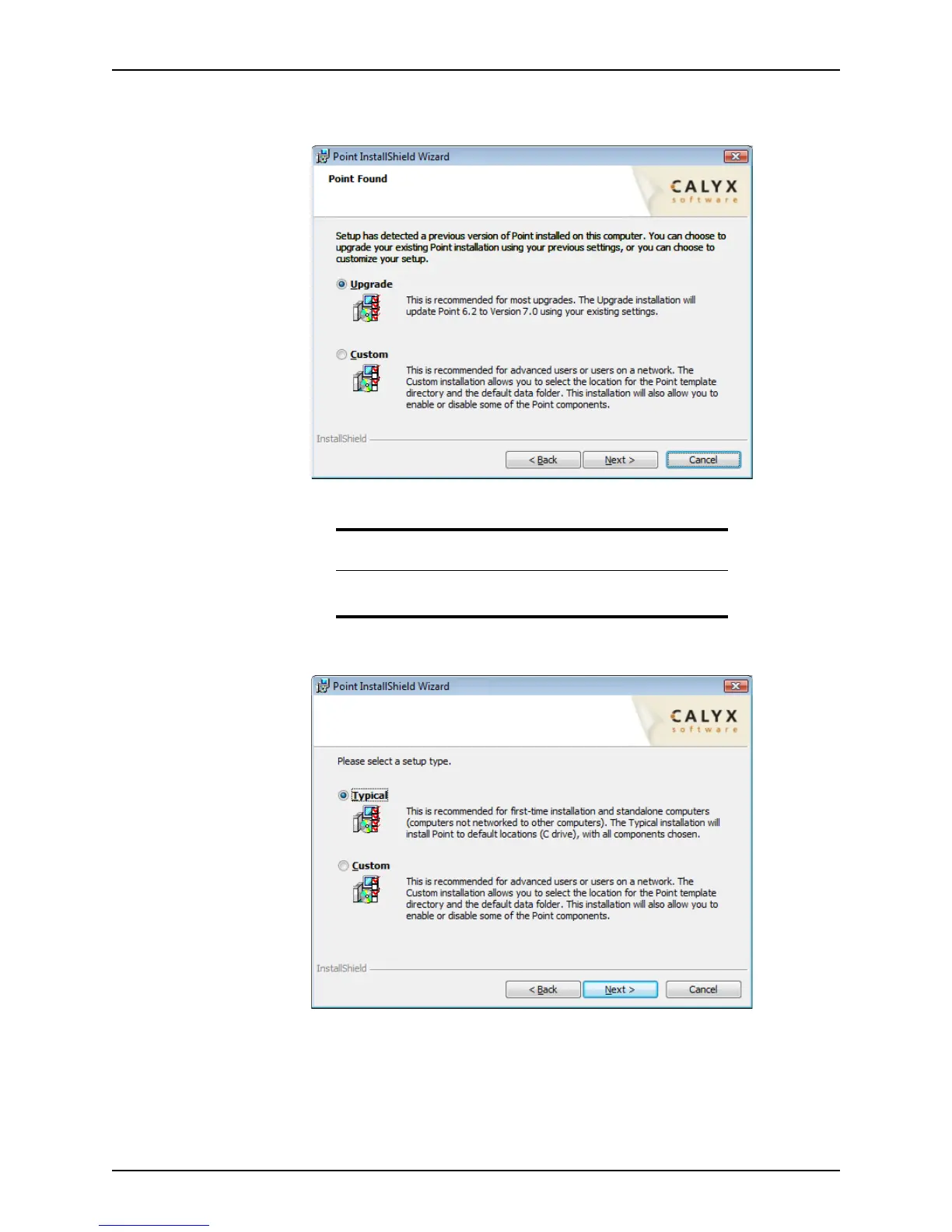
If a previous version of Point is detected, the Point Found dialog box is displayed
which indicates that a previous version of Point is installed on the computer.
If a previous version of Point is not detected, the
Setup Type dialog box is displayed.
7 Select
Typical for a new installation or select Upgrade to upgrade your existing Point
application, and click Next.
The installation process begins. When the installation process has completed
successfully, the
InstallShield Wizard Completed dialog box is displayed.
Attention
If you are upgrading from an earlier Point version, your previous settings
are saved during the upgrade.



 To Next Page