30 Calyx Software
User interface
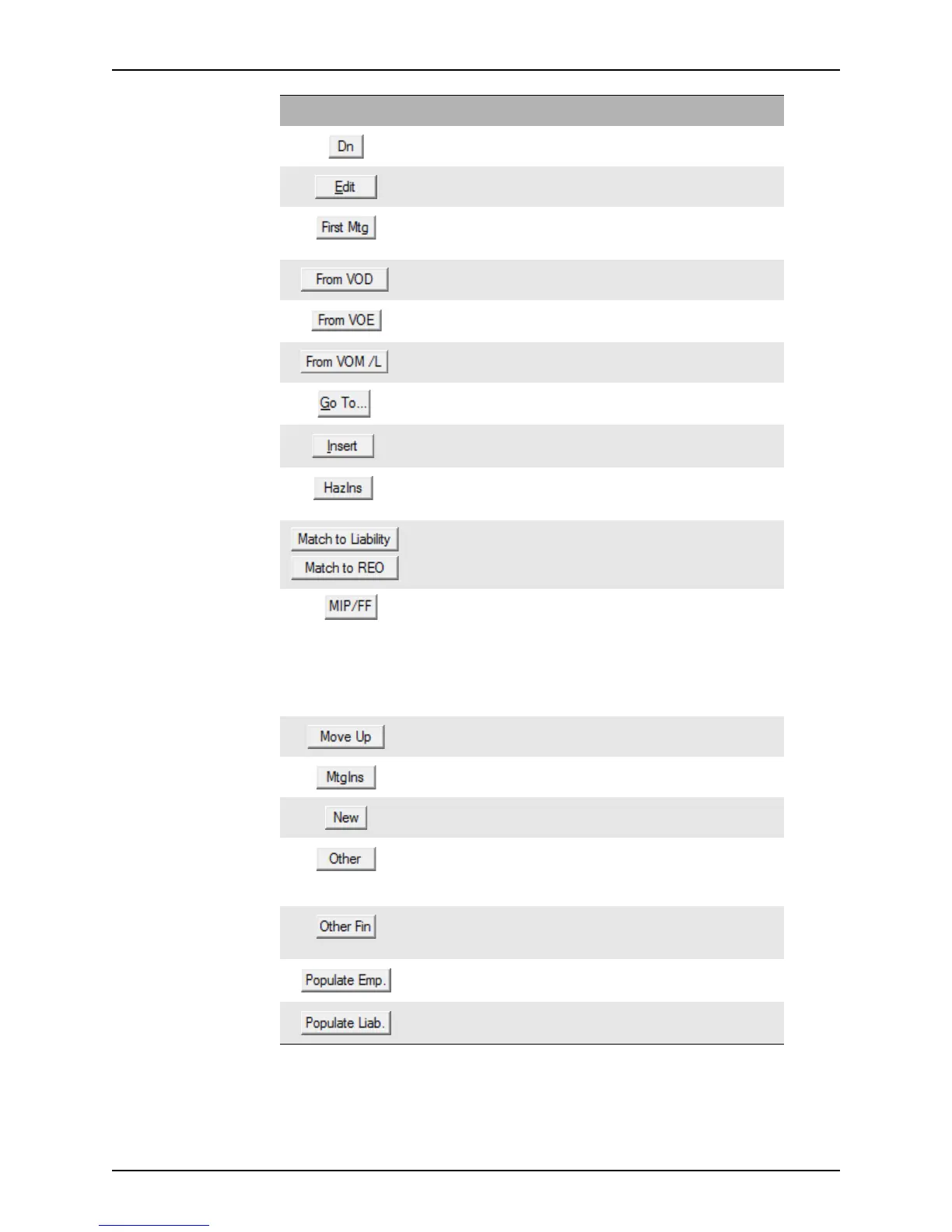
Moves the selected entry down in the employer list. 2, 3
Opens the edit dialog box for the selected employment,
assets, or liabilities entry.
2, 3
Opens the
First Mortgage Payment dialog box which
is used to enter first mortgage information in second
mortgage files.
2
Imports the assets from the Verification of Deposit. 3
Imports the employment information from the
Verification of Employment.
2
Imports the liabilities that are listed on the Verification
of Mortgage/Rent
and Verification of Loan.
3
Navigate to specific sections of the
Loan Application. All
Opens an edit dialog box for employment, liabilities, or
assets, to add a new entry above the selected entry.
2, 3
Opens the
Hazard Insurance dialog box where you
can specify monthly the premium rate for hazard
insurance and request a hazard insurance quote.
2
Opens the Match Liabilities & REO dialog box which
is used to match borrower liabilities and real estate.
3
Opens the
Mortgage Insurance Premium Funding
Fee
dialog box which is used to calculate up-front
funding fees and mortgage insurance premiums.
This button is also on the
Cash-to-Close screen.
You can also access this dialog box from the Mtg
Insurance button on the
Borrower Information,
Prequalification, and Rent vs. Own screens.
4
Moves the selected entry up in the assets, liabilities, or
real estate list.
3
Opens the
Mortgage Insurance dialog box which is
used to calculate the monthly PMI payment.
2
Opens the edit dialog box to enter a new employer,
asset, or liability.
2, 3
Opens the
Other In Housing Expense dialog box
which is used to enter other housing expenses such as
school taxes, flood insurance, and user-defined
expenses.
2
Opens the Second Mortgage Payment dialog box
which is used to enter information about the borrower’s
second mortgages.
2
Transfers employment data from VOE/VOI reports into
the
Loan Application.
2
Transfers liabilities from a credit report into the Loan
Application
.
3
Button Description Page



 To Next Page