Point User Guide 81
Linking first and second mortgage files
3 To name the second mortgage file manually, disable Auto File Naming by unchecking
the
Use Auto File Naming check box and entering the file name manually in the File
Name
field.
4 Click Save.
The link between the two files is established. A dialog box prompts you to open the
second file.
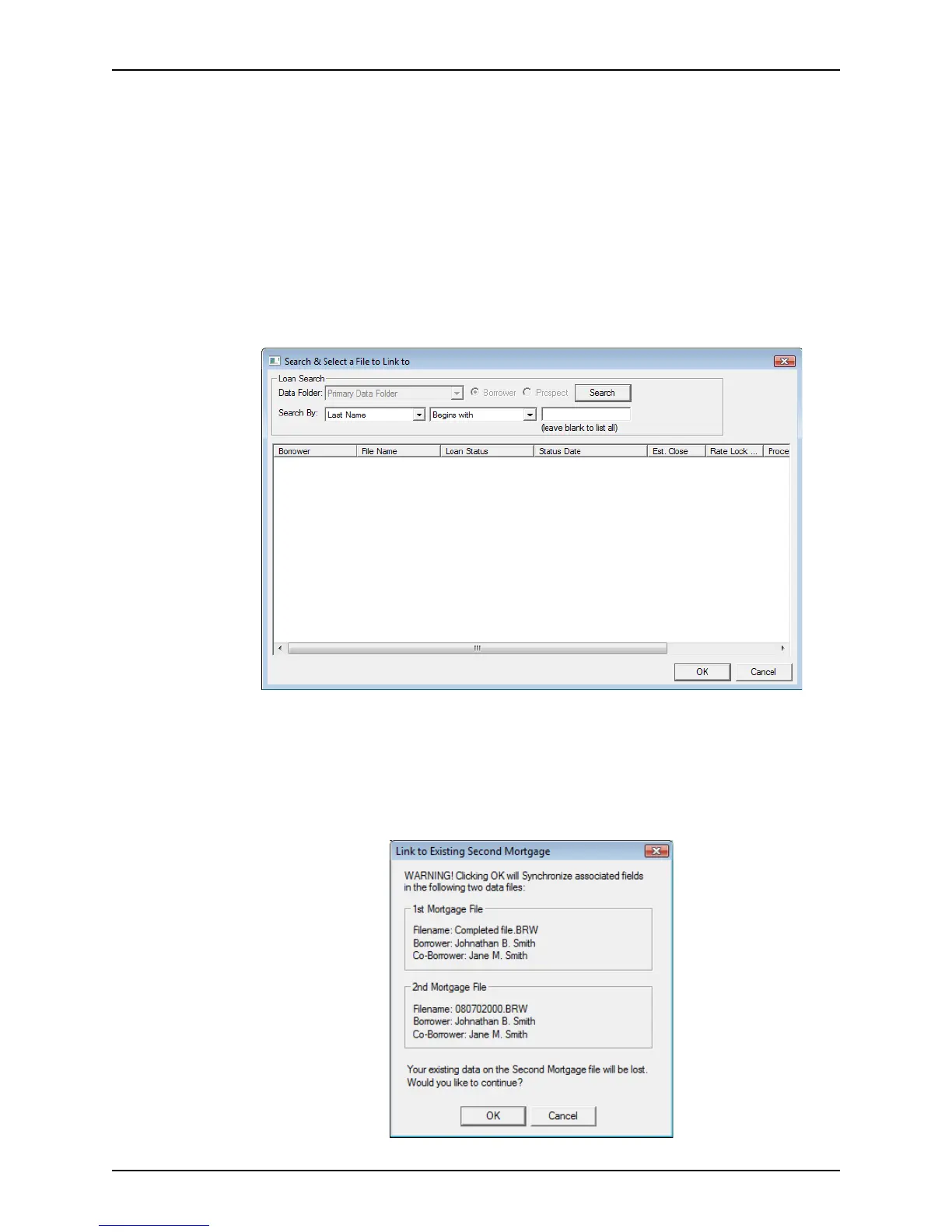
To link two existing loan files:
1 Open the first loan file.
2 Select File > Subordinate Financing > Link to Existing Second Mortgage.
The
Search & Select a File to Link to dialog box is displayed.
3 In the
Search By fields, enter the search criteria for the second loan.
4 Click Search.
The loans that meet the search criteria are displayed.
5 Select the loan you want to link and click OK.
The
Link to Existing Second Mortgage dialog box is displayed.



 To Next Page