266 Calyx Software
Banker functions
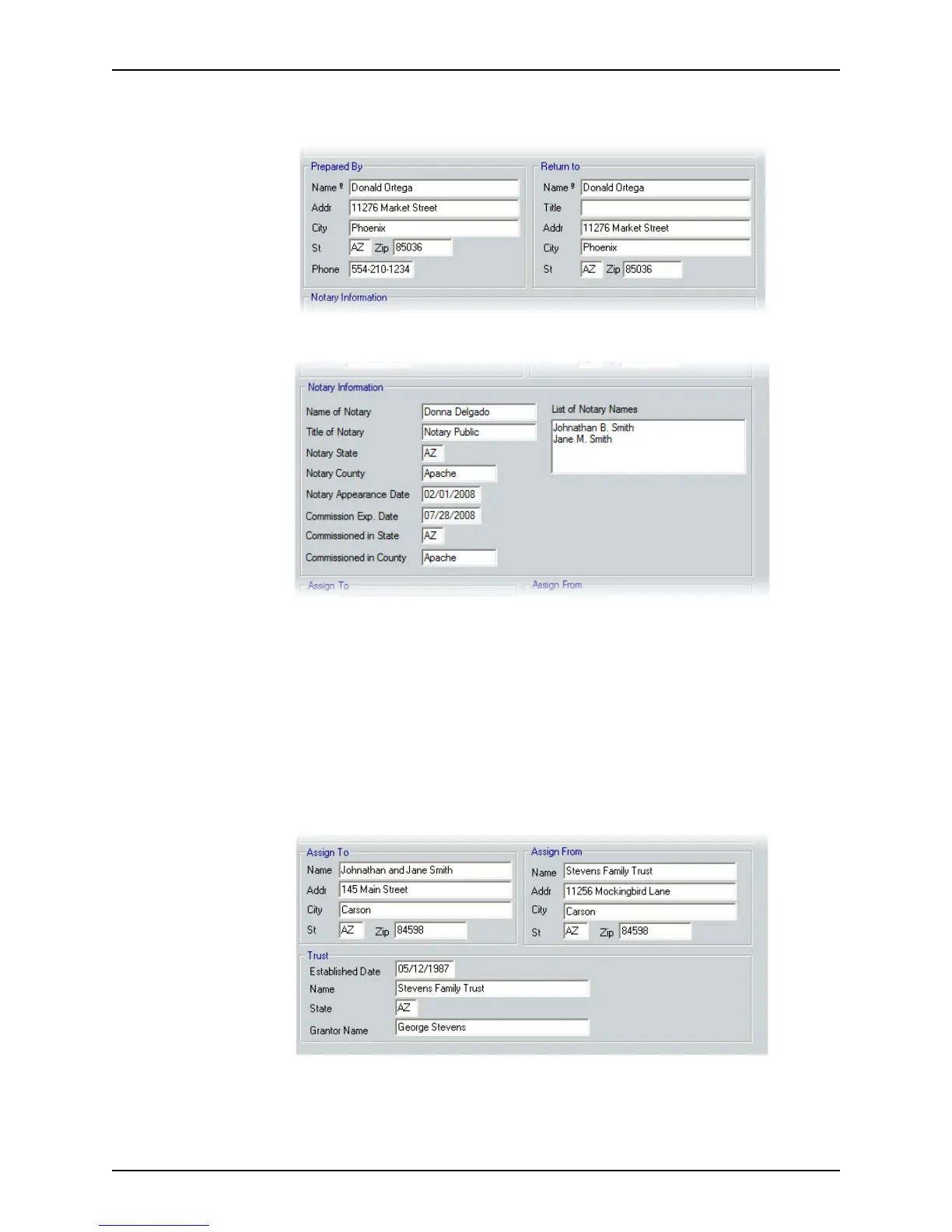
5 Complete the Prepared By and Return To sections. Use the Cardex database to
complete these fields.
6 Complete the
Notary Information section.
a Complete the
NameofNotary, TitleofNotary, NotaryState , and NotaryCounty
fields.
b Enter the date that the recording was notarized in the
NotaryAppearanceDate
field.
c Complete the
CommissionExp.Date, CommissioninState, and Commissionin
County
fields.
d Enter the names of the persons whose signatures were notarized in the
Listof
NotaryNames
field.
7 Complete the
Assign To, Assign From, and Trust sections.
a Enter the name and address of the property purchaser in the
Assign To section.
b Enter the name and address of the property seller in the
Assign From section.



 To Next Page