220 Calyx Software
Loan tracking
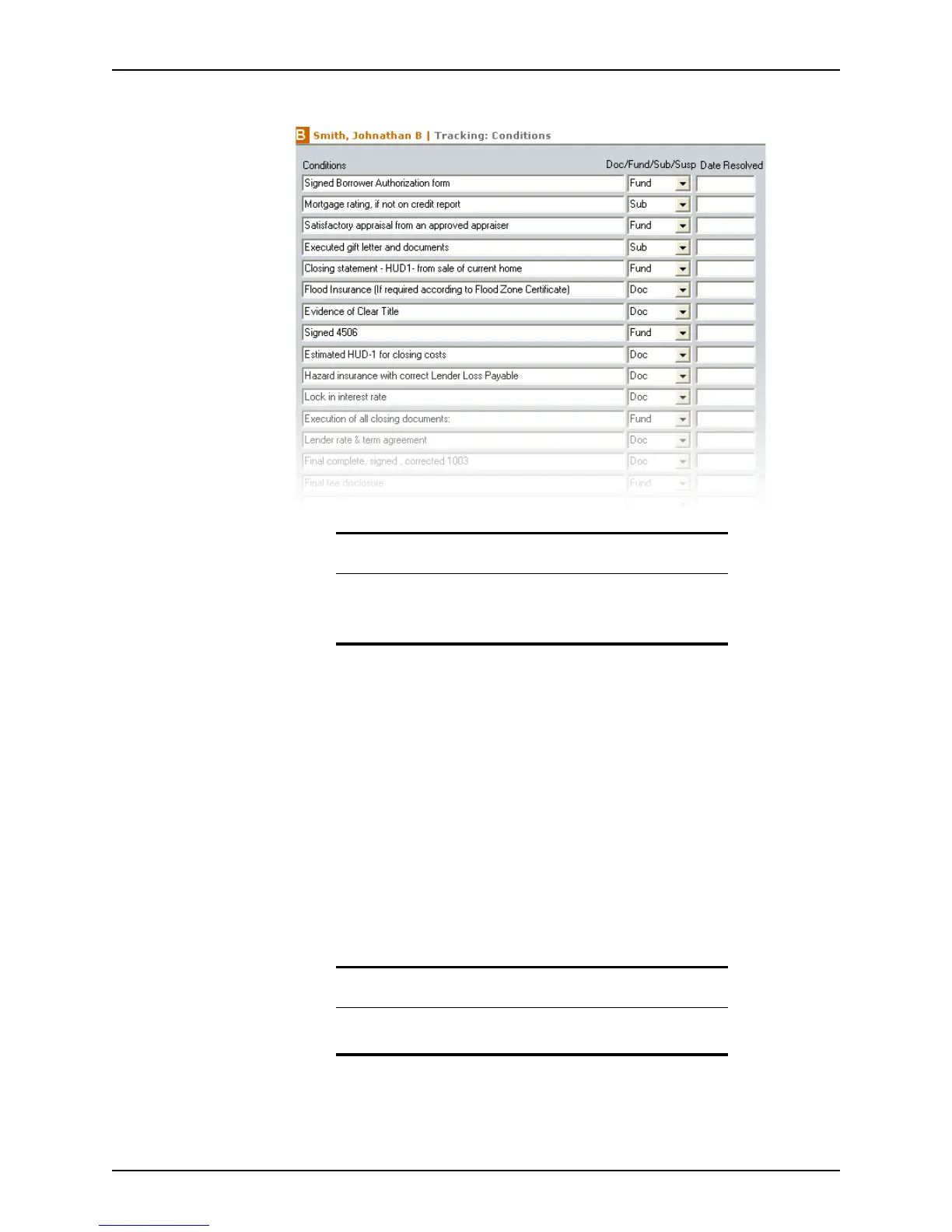
The Conditions screen is displayed.
3 Enter the condition in the
Conditions field. Use the Insert Line button to add an empty
record.
4 Select the event that is contingent upon the condition from the Doc/Fund/Sub/Susp
dropdown list.
For example, if the funding of a loan is contingent upon receiving a closing statement
from the sale of the buyer’s current home, enter “Closing statement - HUD1- from sale
of current home,” or similar verbiage, in the
Conditions column and select Fund from
the dropdown list.
The following events are available from the dropdown list:
• Doc – to draw documents
• Fund – to fund the loan
• Sub – to submit the loan
• Susp – to suspend the loan
Tip
Use the Insert Line button to add new conditions to the list.
To delete conditions that you do not want to include, click the Delete
Line button.
Note
The conditions tracking worksheet can contain a maximum of 40
conditions.



 To Next Page