334 Calyx Software
Integrated products and services
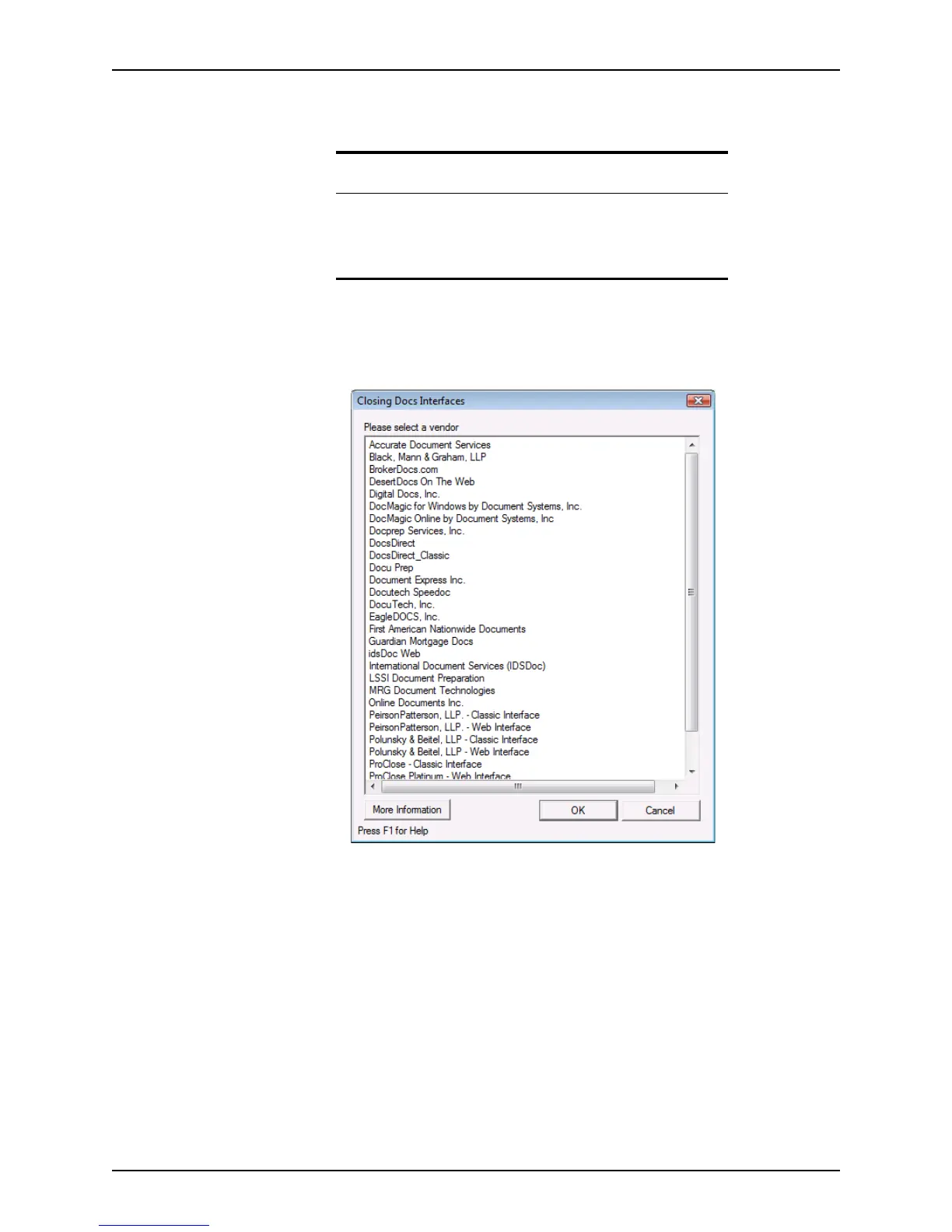
The Closing Docs option is used in the following example to illustrate how to connect to a
web-based interface vendor:
1 Open a prospect or borrower file.
2 Select Interfaces > Closing Docs.
The
Closing Docs Interfaces dialog box is displayed.
3 Select the vendor you want to use and do one of the following:
• To open the vendor’s web site click More Information.
Prerequisite
Before you can use a vendor interface, you must contact the vendor to
set up an account.
The vendor will provide you with the information you need to access
their interface.



 To Next Page