Point User Guide 335
Interfaces
• To open the Point interface with the vendor, click OK.
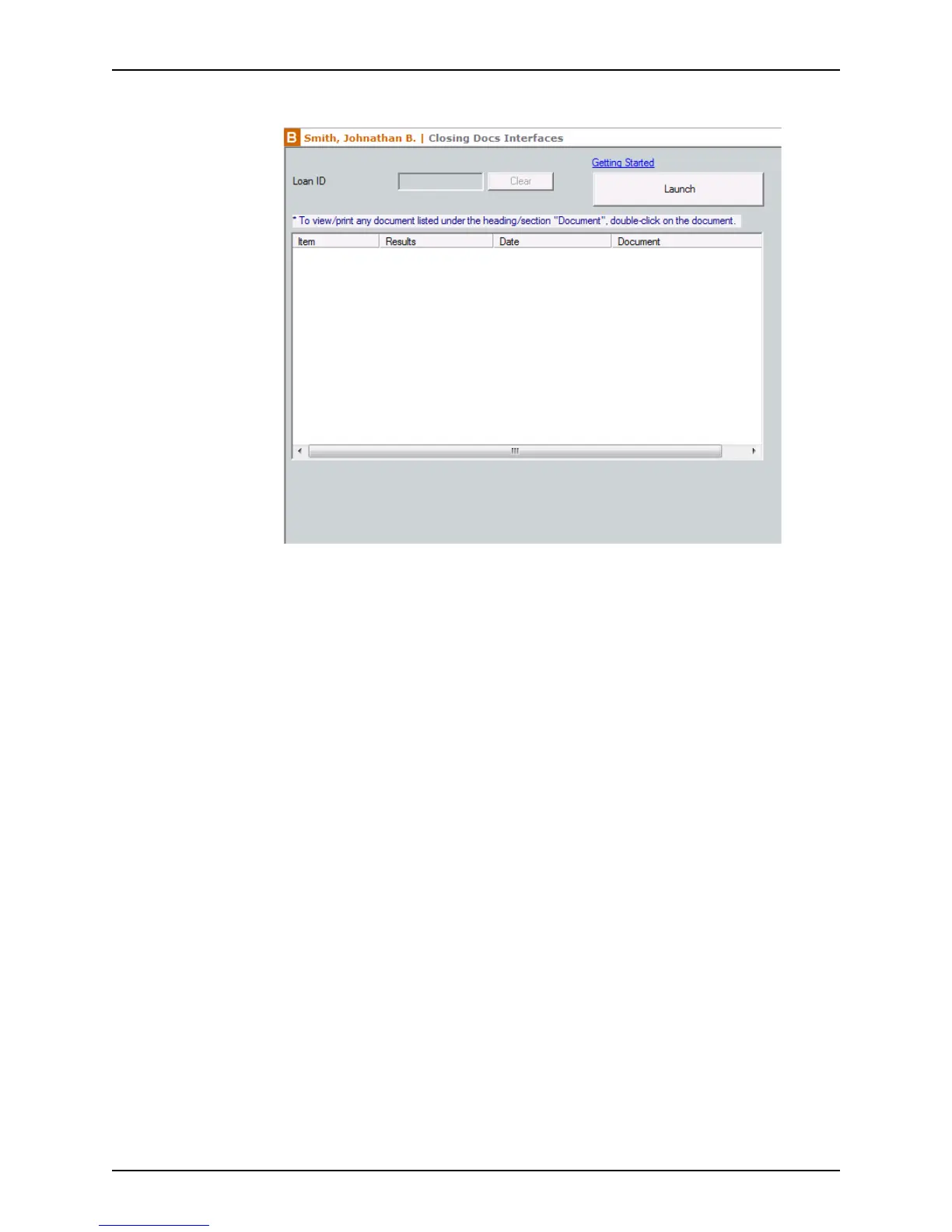
4 Click the Launch button to access the vendor’s web site.
5 Follow the instructions provided by the vendor to order services or work with the data.
You can return to Point at any time.
The Closing Docs option is used in the following example to illustrate how to connect and
install an interface vendor:
1 Open a prospect or borrower file.
2 Select Interfaces > Closing Docs.



 To Next Page