336 Calyx Software
Integrated products and services
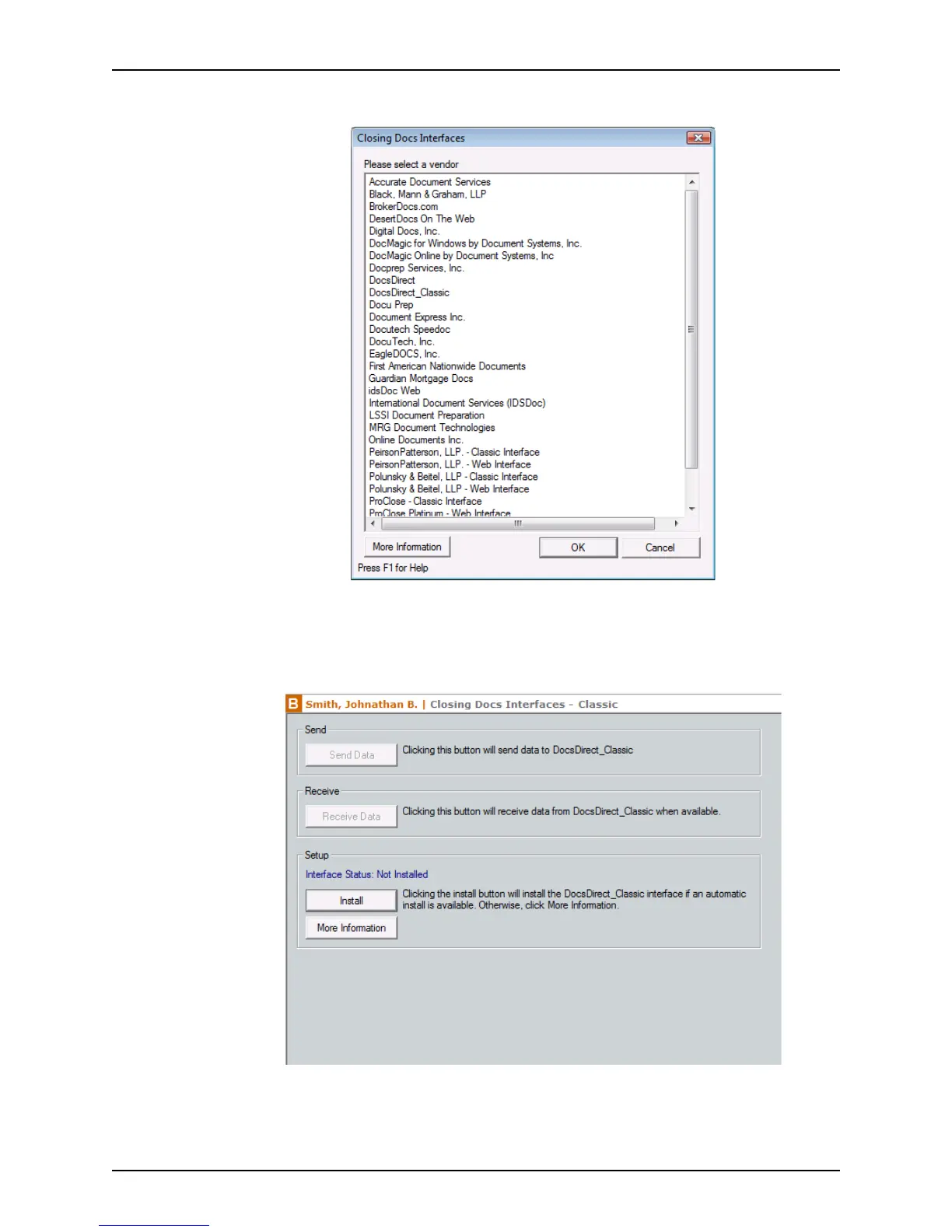
The Closing Docs Interfaces dialog box is displayed.
3 Select the vendor you want to use and do one of the following:
• To open a dialog box that contains vendor contact information and a link to their
web site, click More Information.
• To open the Point interface with the vendor, click OK.
An automatic installer is available if the Install button is enabled.
4 If the Install button is enabled, click it to begin the installation process. When the
installation is completed, proceed to the next step.



 To Next Page