232 Calyx Software
Loan tracking
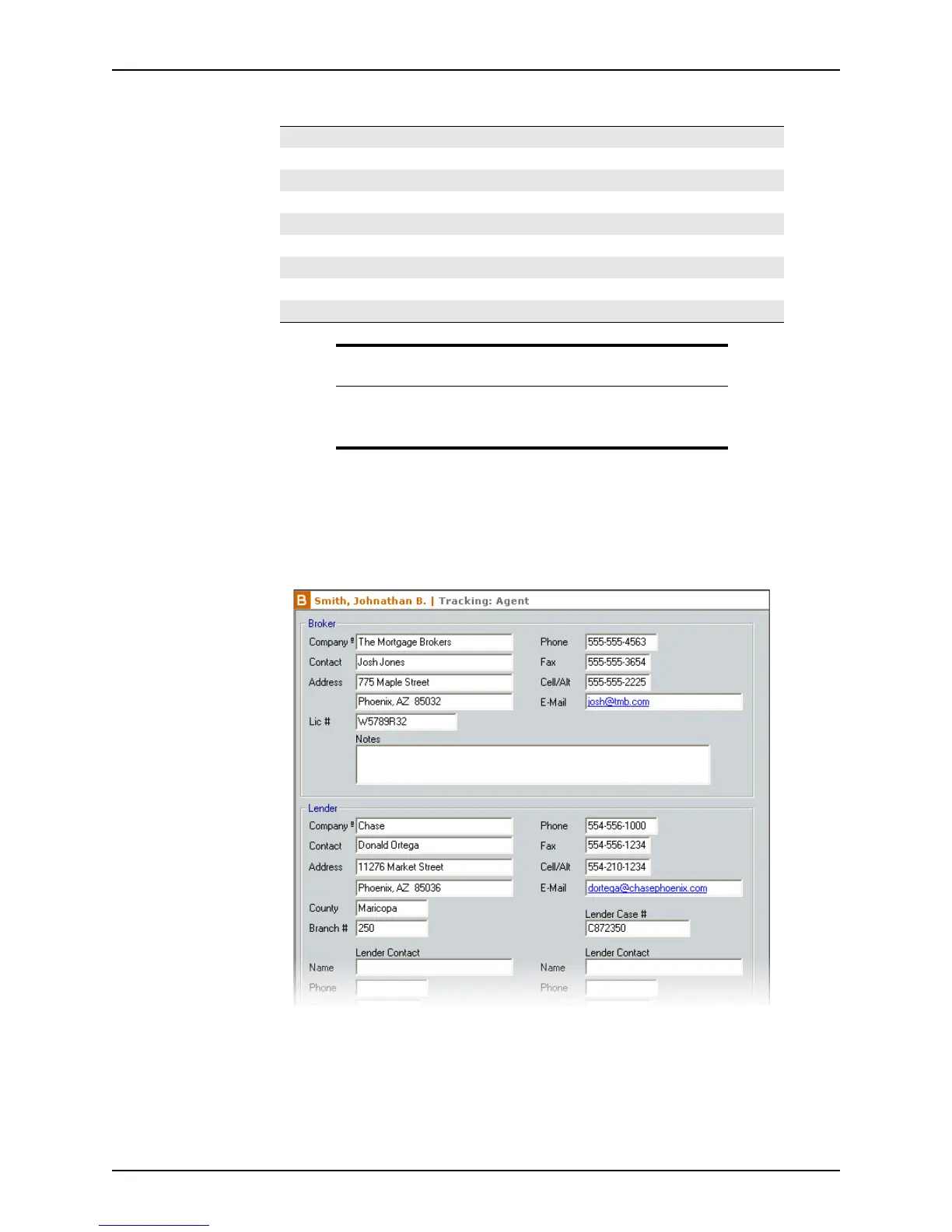
The Agent screen stores data for the following agents:
In addition to these agents, three sections are included to add user-defined agents.
To access the
Agent screen:
1 Open a prospect or borrower file.
2 Select Track > Agent List.
3 Enter the information for the agents who are applicable to this loan.
Use the Cardex database to populate as much information as possible.
4 Add any remaining agent information manually.
Broker Selling Agent Flood Insurance
Lender Buyer’s Attorney School Property Tax
Investor Seller’s Attorney Loss Payee
Loan Representative Appraiser Assignor
Closing Agent Surveyor Assignee
Title Insurance Company Builder Beneficiary
Buyer’s Agent Property Tax Regulatory Agency
Seller Hazard Insurance Trustee
Listing Agent Mortgage Insurance Servicer
Note
When a hazard insurance quote is requested by using the Services
menu, the agent information from whom the request was made is
automatically populated in the
Agent tracking screen.



 To Next Page