Point User Guide 215
Loan status tracking
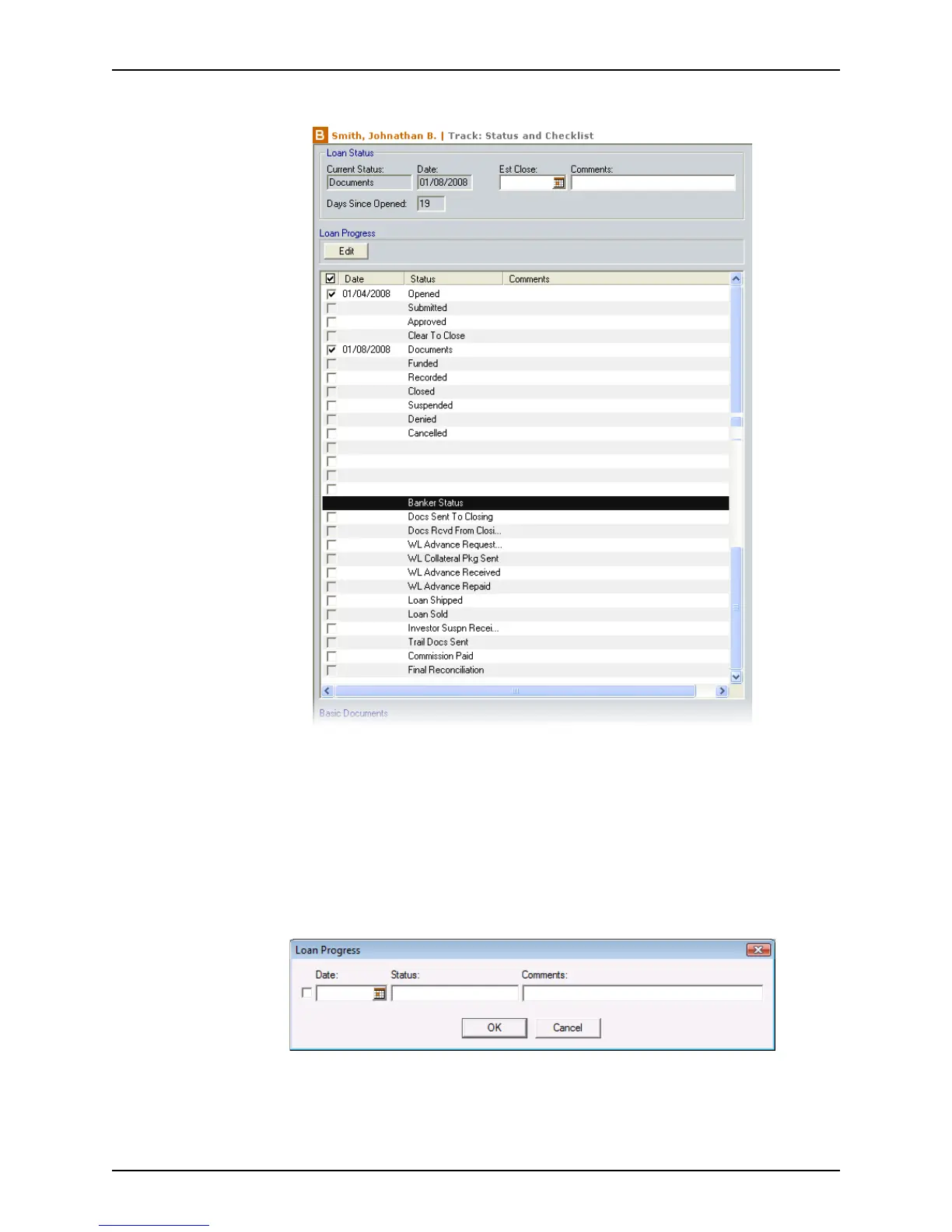
The Status and Checklist screen is displayed.
The
Loan Status section summarizes the current loan status and the status date.
When you check a check box, the current date is automatically populated into the
Date field.
The
Loan Progress section, located below the Loan Status section, tracks the loan
progress and indicates the dates that various loan paperwork was submitted and
received. The date that the file was opened is automatically populated in the
Opened
field.
3 Double-click an event or click Edit to open the
Loan Progress dialog box and edit the
date or enter comments. To add a user-defined status, select a blank field.



 To Next Page