46 Calyx Software
Utilities configuration
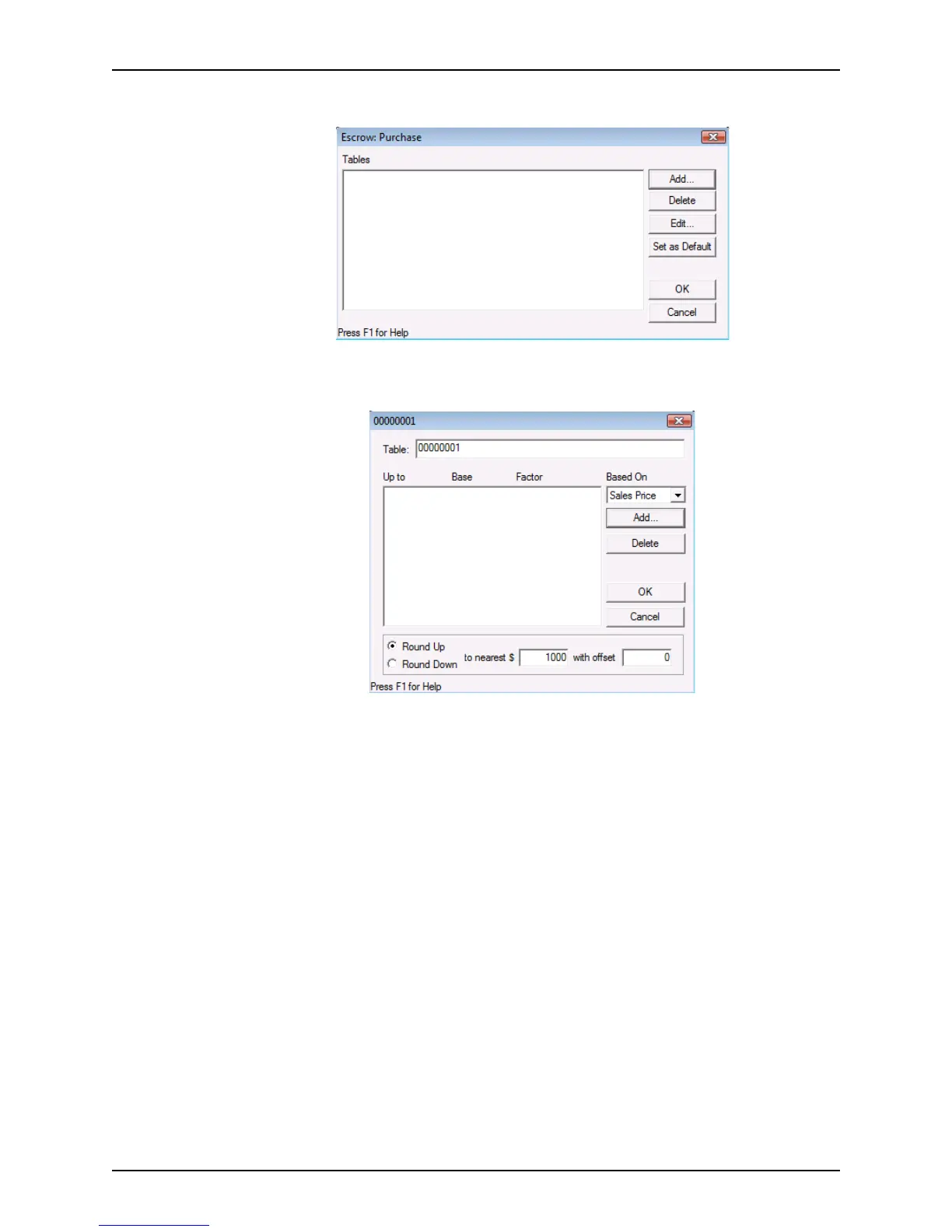
The Escrow: Purchase dialog box is displayed.
2 Click Add.
The detail dialog box is displayed.
Tables are numbered automatically when they are created. The table number is
displayed in the dialog box title.
3 To override the default table name, select the numeric name and enter a new name.
4 Select how the fee is to be calculated from the Based On dropdown list.
• If you select Sales Price, the fees are calculated based on the sale price of the
property.
• If you select Loan Amount, the fees are calculated based on the loan amount.
• If you select Appraisal Val, the fees are calculated based on the appraised value of
the property.
5 To round the calculated fee to the nearest dollar amount, select
Round Up or Round
Down
and enter a value in the tonearest$ field.
6 To offset the amount by a value, enter the offset amount in the offset field.



 To Next Page