206 Calyx Software
Electronic loan files
If you do not want to add the document, click Skip to view the next document without
adding the current document to the repository.
Click Cancel All to end the process.
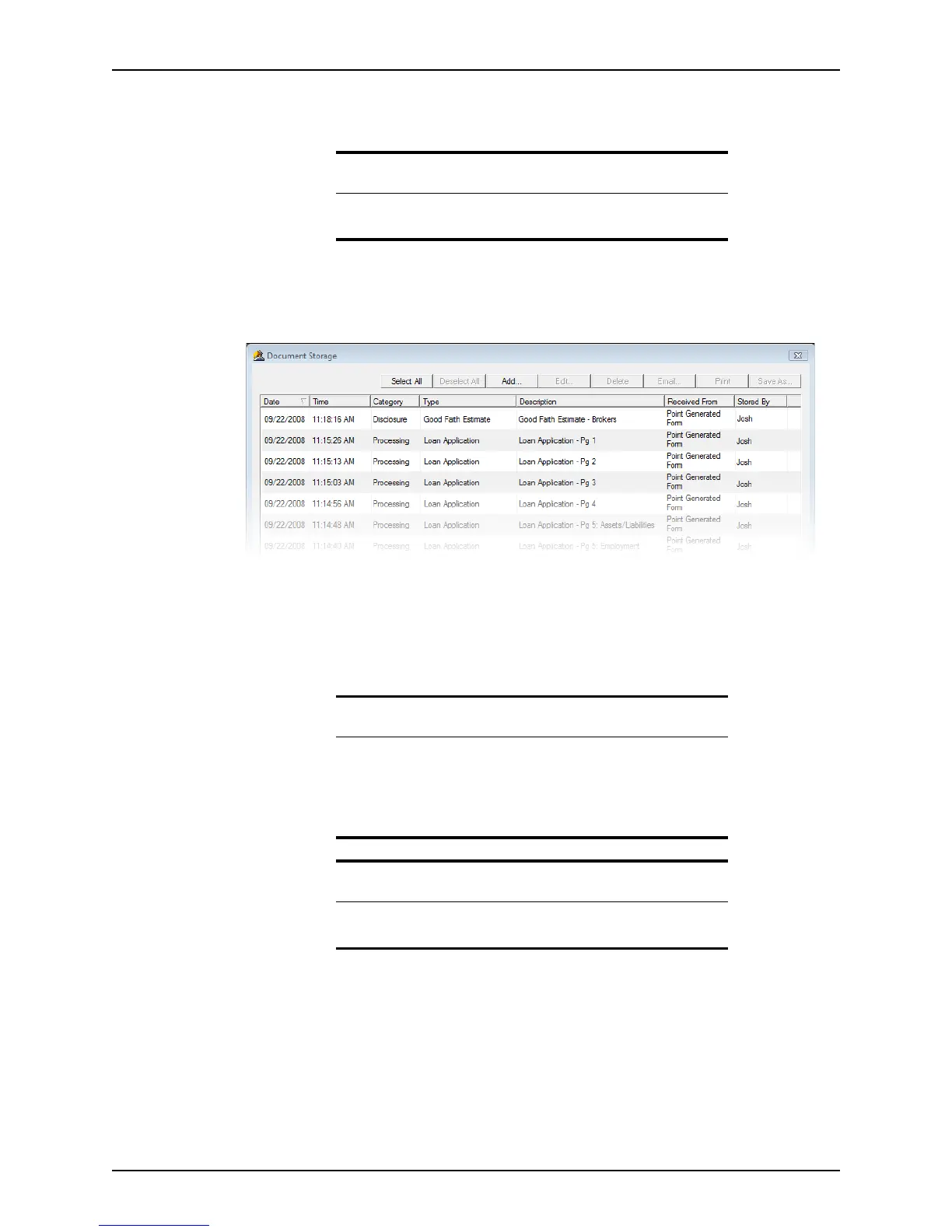
When you are finished previewing the documents, the updated
Document Storage
dialog box is displayed.
To open a document in the repository, select the document and click Edit or double-
click the document.
To delete a document in the repository, select the document and click Delete.
To print a document in the repository, click Print to open the
Print Document dialog
box and click OK.
Note
The Skip button is available only when more than one PDF file is
generated.
Tip
To print multiple files, hold the <Ctrl> key as you select each file. To select
multiple consecutive files, hold the <Shift> key as you select the first and
last files.
To select all of the files, click Select All. To un-select all the selected files,
click Deselect All.
Related information
For more information about the Borrower Forms dialog box and
printing forms, refer to Print and e-mail options, on page84.



 To Next Page