118 Calyx Software
Loan Application
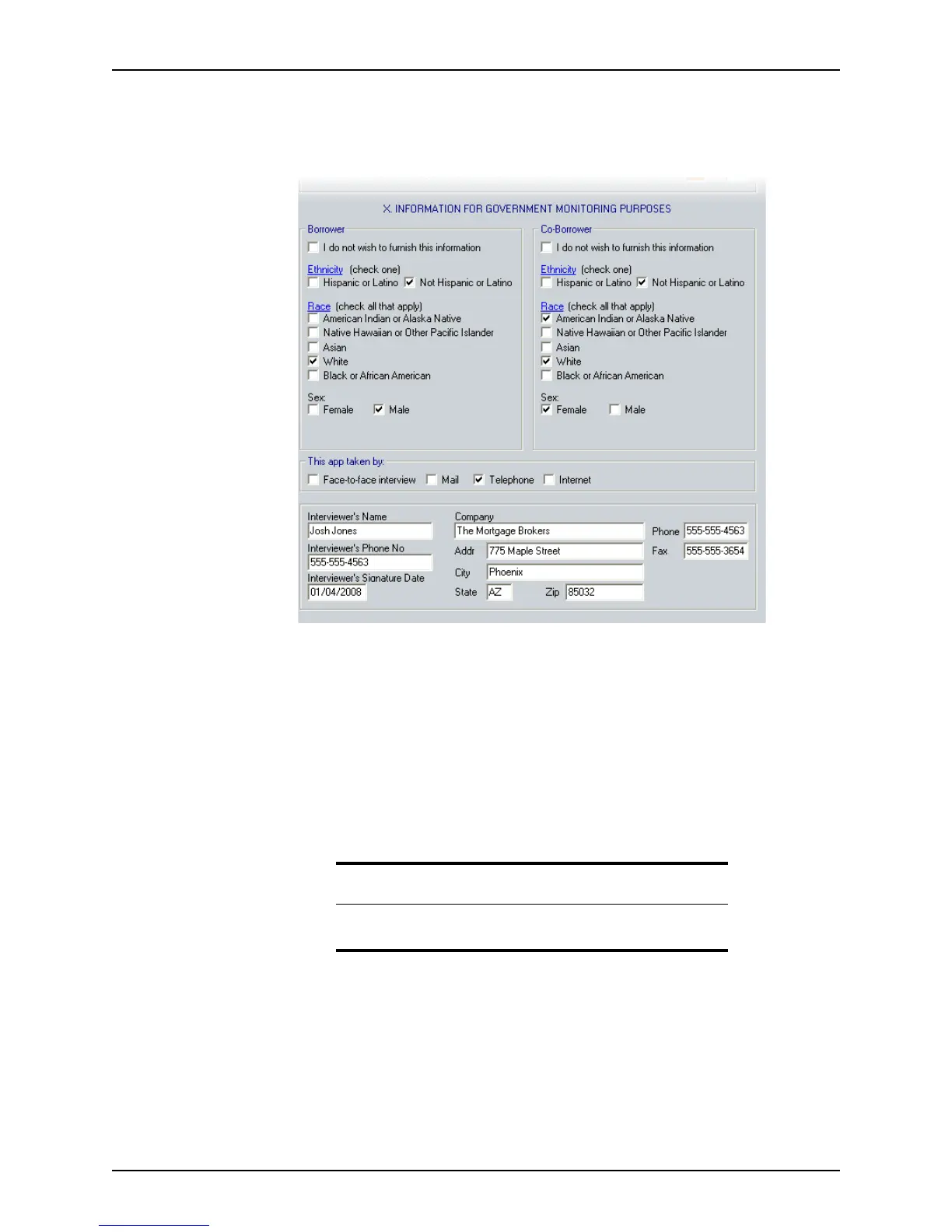
To complete the government monitoring information:
1 Open page 4 of the
Loan Application and go to Section X. Information for
Government Monitoring Purposes
.
2 Select the appropriate option for the borrower’s and co-borrower’s race and ethnicity.
If the borrower declines to provide the information, select the
I do not wish to furnish
this information
check box.
Select multiple race options to indicate a multi-racial borrower.
3 Select the method by which the application was taken.
4 If the interviewer’s name, telephone number, and company information are not
prepopulated, enter the information manually or use the Cardex database to populate
these fields.
5 Enter the date when you signed the application.
Related information
See Chapter 19, Contact management (Cardex), for more information
about entering information from Cardex.



 To Next Page