154 Calyx Software
Disclosures and other forms
• First lien
• Fixed Rate loan
• Purchase
9 Enter the sales price, down payment, and appraised value of the property.
The
LoanAmt field is automatically calculated.
The
w/MIP,FF field is automatically calculated if an up-front mortgage insurance
premium or a funding fee is being added to the APR.
10 Complete the
NoteRate and TermDue fields.
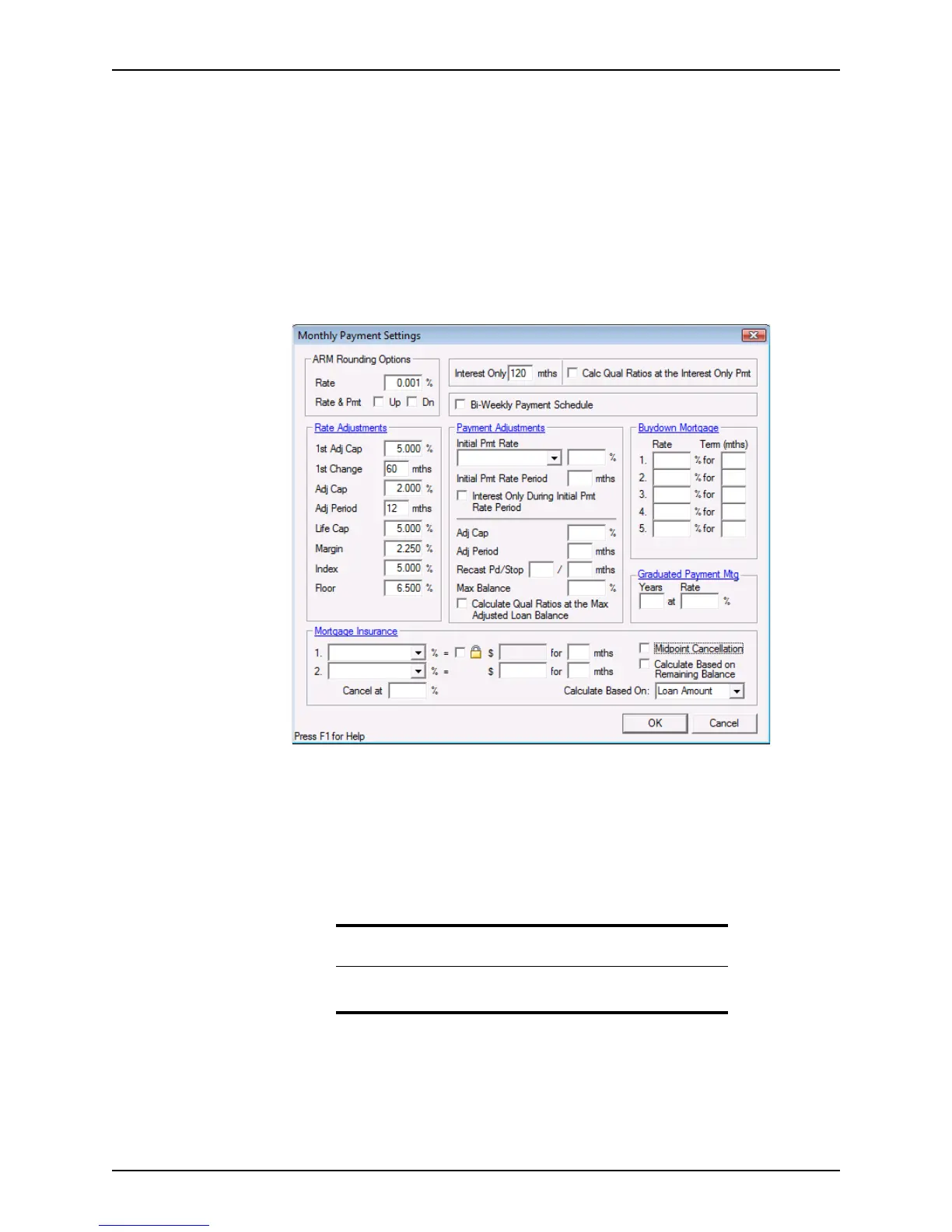
11 Click the Mth Pmt button to open the
Monthly Payment Settings dialog box.
Use the
Monthly Payment Settings dialog box to set the payment structure and the
loan terms and specifications. This dialog box is also accessible from the
Loan
Application
and these fields are also on the Truth-In-Lending screen. These fields
are populated in all screens when completed.
The
MthPmt field is automatically calculated.
12 Click the Income button to open the
Income Information dialog box to enter the
income for the borrower and co-borrower.
13 Click the HE & Oblig button to open the
Housing Exp & Other Obligations dialog
box to enter monthly payment obligations.
The
OtherPmts field is automatically calculated from information that is entered
Housing Exp & Other Obligations dialog box or the Loan Application.
Tip
You can also enter income information and housing expenses on page 2
of the
Loan Application.



 To Next Page