Point User Guide 167
Transmittal Summary
f Enter the HCLTV/HLTV, if applicable.
The HLTV is the combined LTV based on the maximum credit limit of the equity
line.
g To adjust the top and bottom income-to-debt ratios, verify that all the income,
housing expenses, and mortgage payments fields in the
Loan Application
screens are all correct.
The
Debt‐to‐Housing GapRatio(Freddie) field, which is required for Freddie Mac
loans, is the difference between the monthly debt-to-income ratio and the monthly
expense-to-income ratio.
h Complete the
Risk Assessment section.
i Enter any underwriter comments in the
UnderwriterComments field.
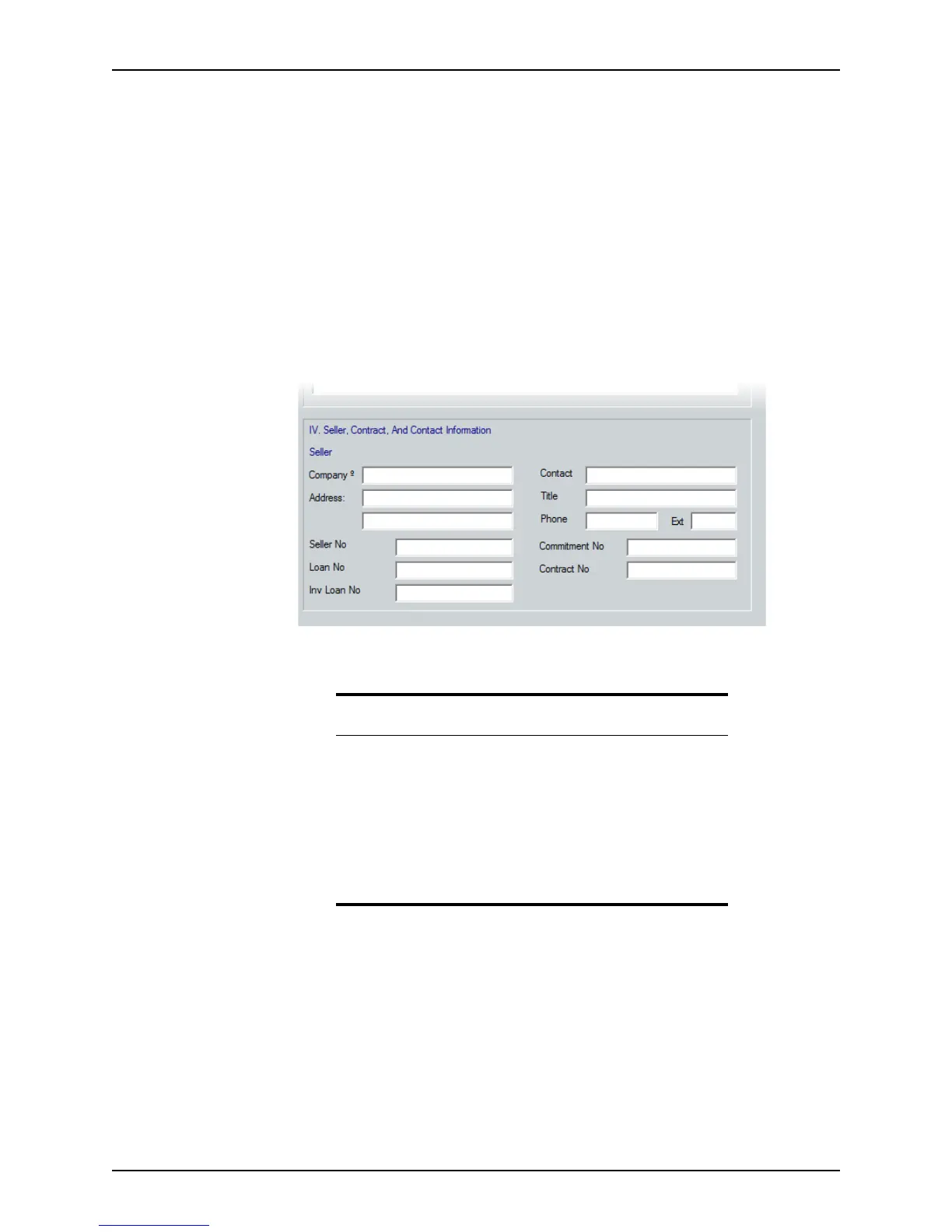
6 Complete the
Seller, Contract, And Contact Information section.
This section is typically not required to be completed by the broker. Enter the
information manually, or use the Cardex database to populate this information.
Related information
• For more information about the Liabilities section, see Entering
liabilities, on page108.
• See Chapter 19, Contact management (Cardex), for more
information about the Cardex database.
• For more information about second mortgages and investment
loans, see Chapter 12, Loan scenarios, or the following Knowledge
Base articles:
– #0455 Entering an Investment Loan in Point
– #0535 Streamlined PiggyBack/First and Second Mortgage loans



 To Next Page