242 Calyx Software
Banker functions
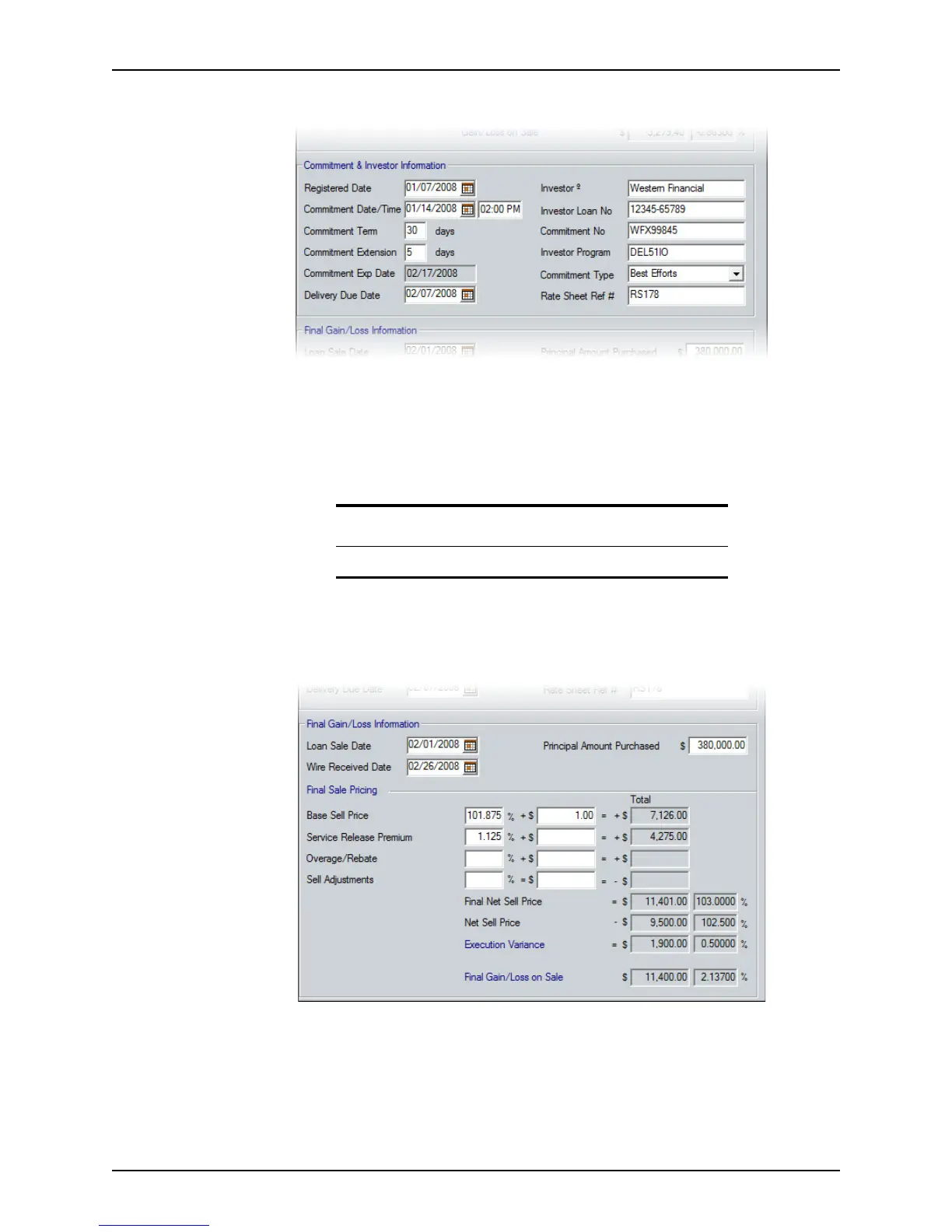
6 Complete the Commitment & Investor Information section.
a Complete the
RegistrationDate, CommitmentDate /Time , CommitmentTerm,
CommitmentExtension, and DeliveryDueDate fields.
The
CommitmentExpDate field is populated based on the values in the
CommitmentTerm and CommitmentExtension fields.
b Complete the
Investor field.
c Complete the
InvestorLoanNo, CommitmentNo, InvestorProgram, Commitment
Type
, and Rate SheetRef# fields.
7 Complete the
Final Gain/Loss Information section.
a Enter the date when the loan is sold to the investor (from the Loan Purchase
Advice) in the
LoanSaleDate field.
b Enter the date when the wired purchase funds are received from the investor in
the
WireReceivedDate field.
Tip
You can use the Cardex database to populate this field.



 To Next Page