274 Calyx Software
Banker functions
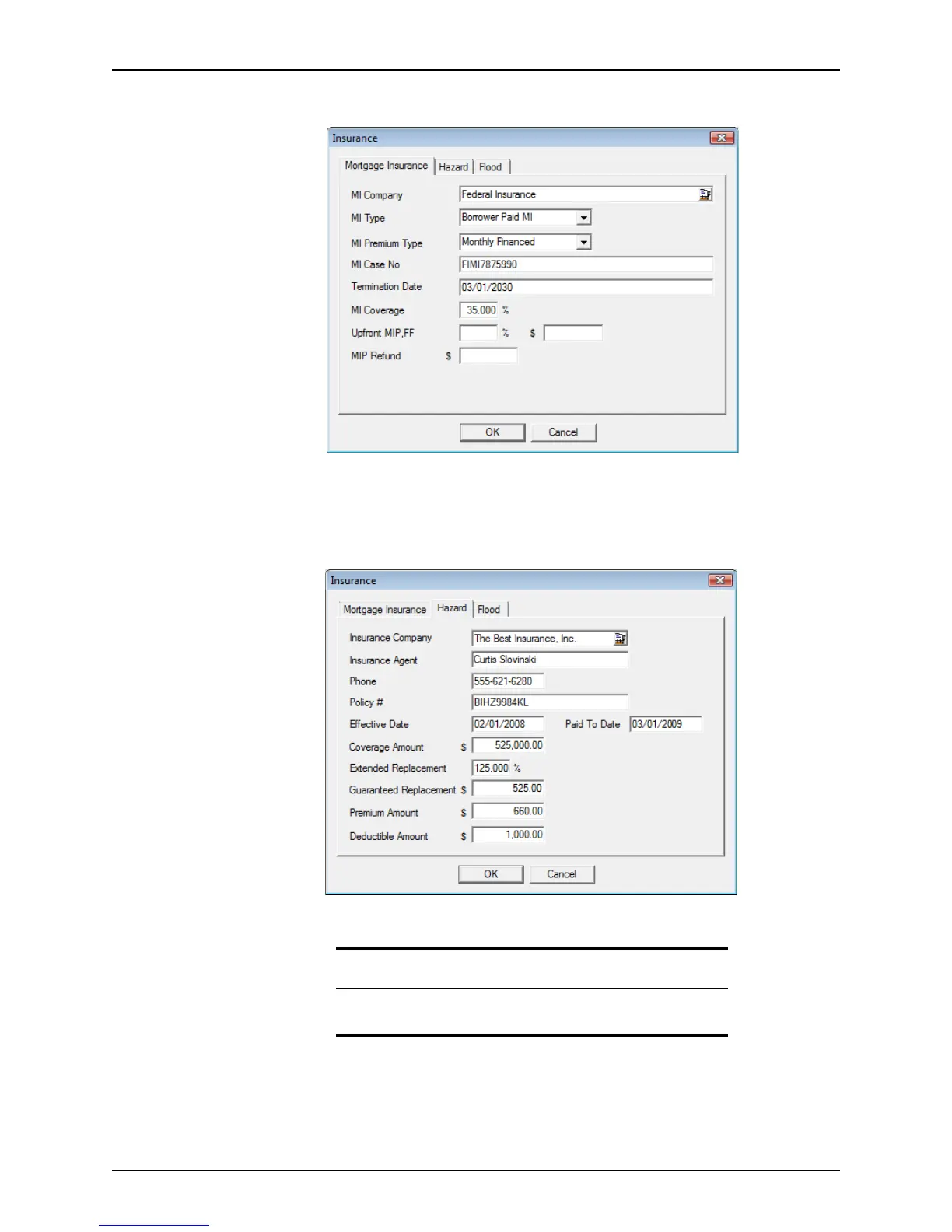
The Insurance dialog box is displayed.
If the borrower is required to pay mortgage insurance, the Mortgage Insurance tab will
contain the premium details if they were entered on another screen.
2 Edit the information as needed.
3 Click Hazard to view the hazard insurance policy information
.
4 Edit the insurance information as needed.
Tip
The Hazard dialog box is automatically populated when hazard
insurance is requested through the Point Services interface.



 To Next Page