Point User Guide 305
Services
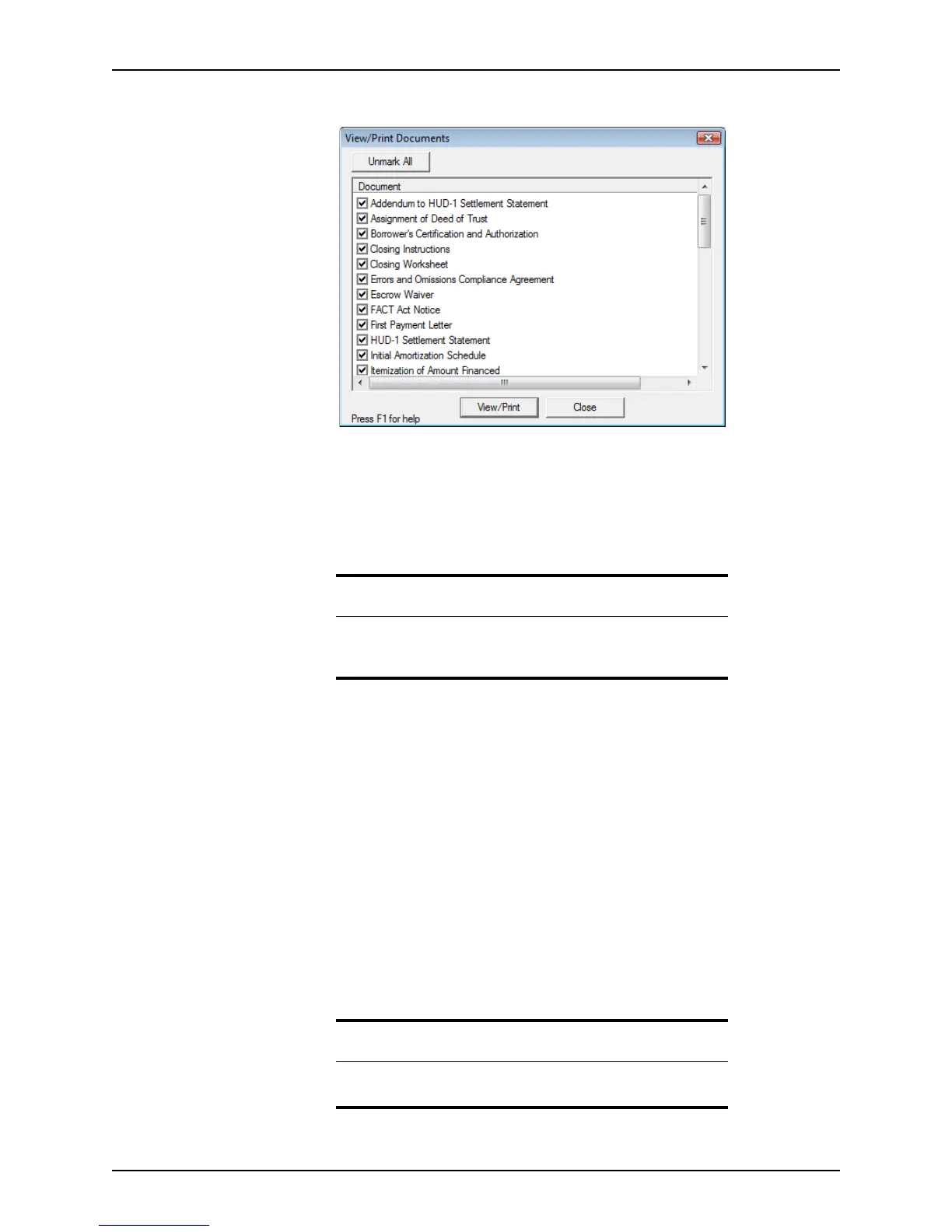
The View/Print Documents dialog box is displayed.
By default, all documents are selected.
2 Remove the documents from the list that you do not want to view or print or click
Unmark All to remove all documents from the list and select them individually.
3 Click View/Print.
A PDF file is produced that contains all of the selected documents.
4 You can do the following actions:
• To print the file, click Print or click the print icon.
• To save the PDF file to a location of your choice, click the Save icon.
5 Click Close when finished with the file.
When only a single document is returned for the following services, selecting the View
menu option opens the document in
.pdf
or
HTML
format at the time the request is made:
• AVM report
• Credit report
• Flood certification
• Hazard insurance quotation
• Title report
To print the report in this view, click the Print button.
To save the report in this view, click the Save icon.
Tip
You can also view and print the documents from the document
repository. Select eLoanFile > Document Storage to access the
document repository.
Related information
For more information about the document repository, refer to Electronic
document storage, on page202.



 To Next Page