Point User Guide 327
Services
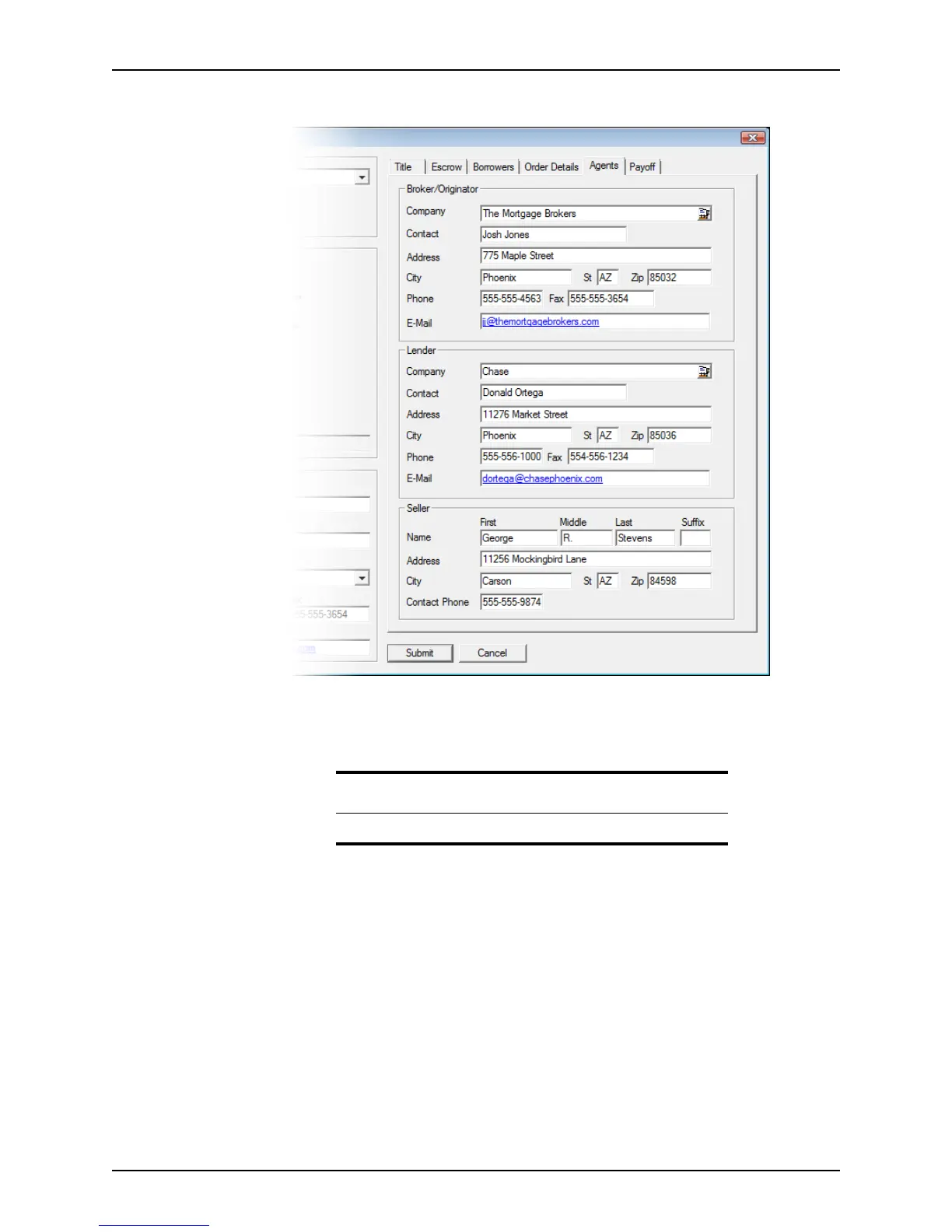
6 Select the Agents tab.
If the
Tracking: Agent screen was completed, the information is automatically
populated in the Agents tab.
Enter any missing information in the
Broker, Lender, and Seller sections.
7 Select the Payoffs tab and record the information about the debts to be paid at the
close of escrow.
Tip
Click the Cardex icon to retrieve an agent from the Cardex database.



 To Next Page