Point User Guide 391
Manipulating report output
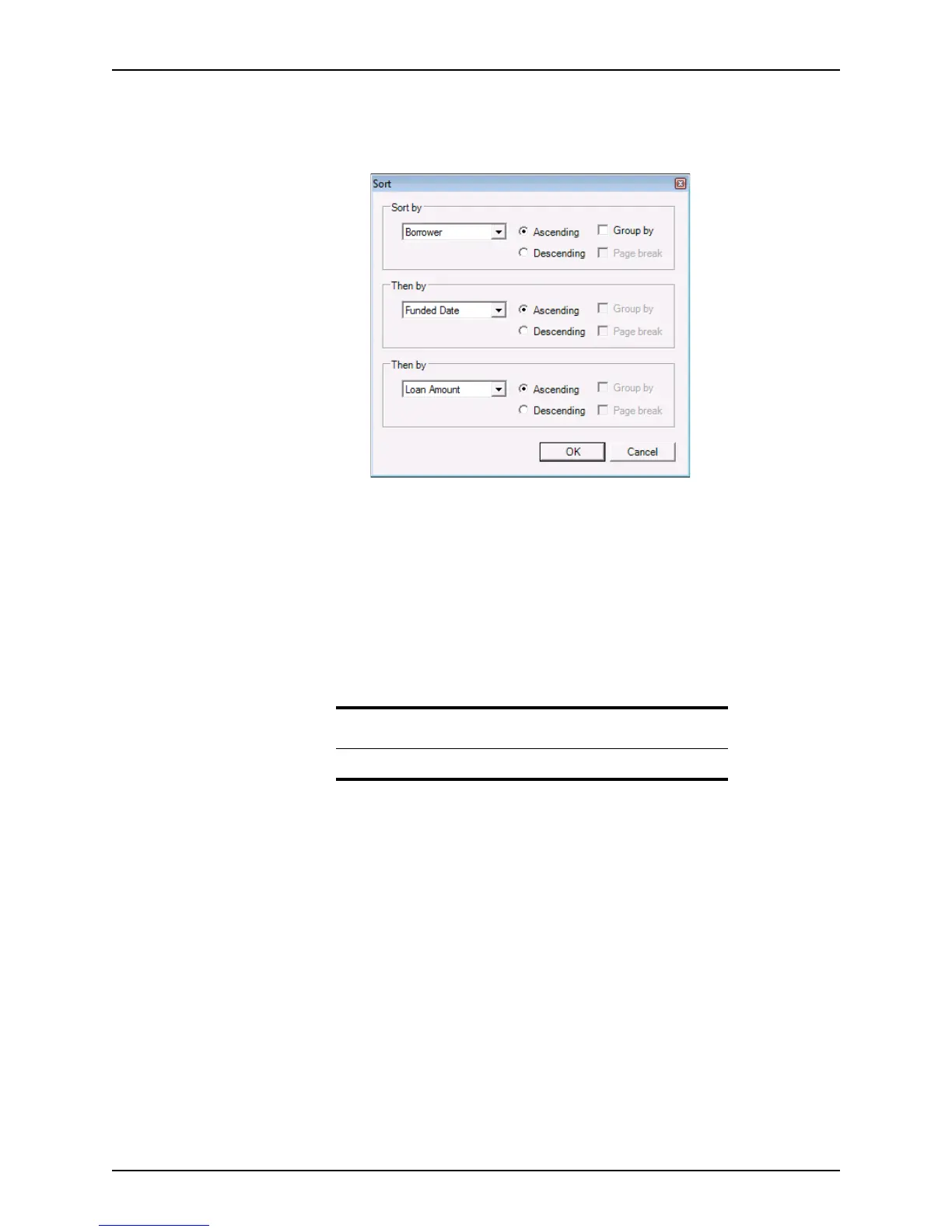
To sort a report:
1 With the generated report open in Point Report Viewer format, select Data > Sort to
open the
Sort dialog box.
2 In the Sort by, Then by, and Then by dropdown lists, select the sequence in which the
records are to be sorted in the resulting report.
3 For each option that you specified in the dropdown lists, select
Ascending or
Descending to specify the order of the records in the report.
4 Select the
Group by check box to group the records by the option that you selected in
the corresponding dropdown list.
When you select the
Group by check box, the Page break check box becomes
enabled. Select the
Page break check box to insert a page break between each group
in the report.
5 Click OK.
Note
Point does not display a page break unless a group has been specified.



 To Next Page