26 Calyx Software
User interface
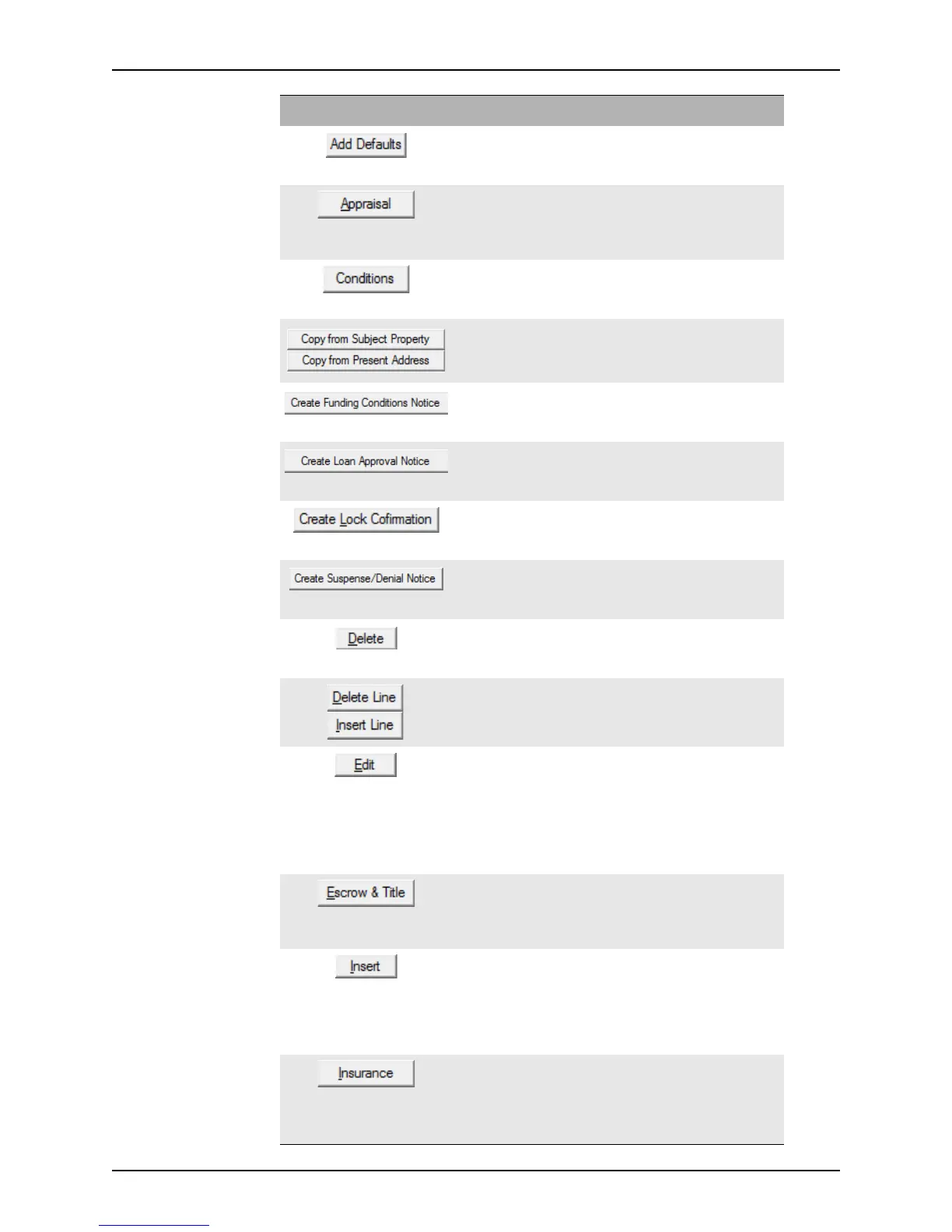
Populates the conditions list with the default set of conditions
that was set up in the company defaults utility.
This button is located on the
Conditions screen.
Opens the Appraisal Information dialog box which is used
to record detailed property appraisal information.
This button is located on the
Conditions and Closing
screens.
Opens the
Conditions screen which is used to track loan
conditions and contingencies.
This button is located on the
Underwriting screen.
Imports the subject property address or present address into
the
MailingAddress fields.
These buttons are located on the
Closing screen.
Generates the Funding Conditions Notice and adds it to the
document repository.
This button is located on the
Conditions screen.
Generates the Loan Approval Notice and adds it to the
document repository.
This button is located on the
Conditions screen.
Generates the Lock Confirmation document and adds it to
the document repository.
This button is located on the
Secondary Marketing screen.
Generates the Suspense/Denial Notice and adds it to the
document repository.
This button is located on the
Underwriting screen.
Deletes the selected document.
This button is located on the
Trail Documents and
Conditions screens.
Used to add and delete conditions from the Investor
Purchase Conditions
screen.
Opens the
Trail Document Entry dialog box or the Edit
Condition
dialog box.
On the
Trail Documents screen, use the Edit button to
modify data for a specific document, such as shipping
information and fees.
On the
Conditions screen, use the Edit button to modify
loan conditions that must be met before the loan is funded.
Opens the Escrow & Title Information dialog box which is
used to record escrow, closing agent, and title information.
This button is located on the
Conditions and Closing
screens.
Opens the
Trail Document Entry or Edit Condition dialog
box where you can create a new document. The new
document is placed above the selected entry when the Insert
button is used.
This button is located on the
Trail Documents and
Conditions screens.
Opens the Insurance dialog box which provides the user
with easy access to mortgage, hazard, and flood insurance
information.
This button is located on the
Conditions and Closing
screens.
Button Description



 To Next Page