56 Calyx Software
Utilities configuration
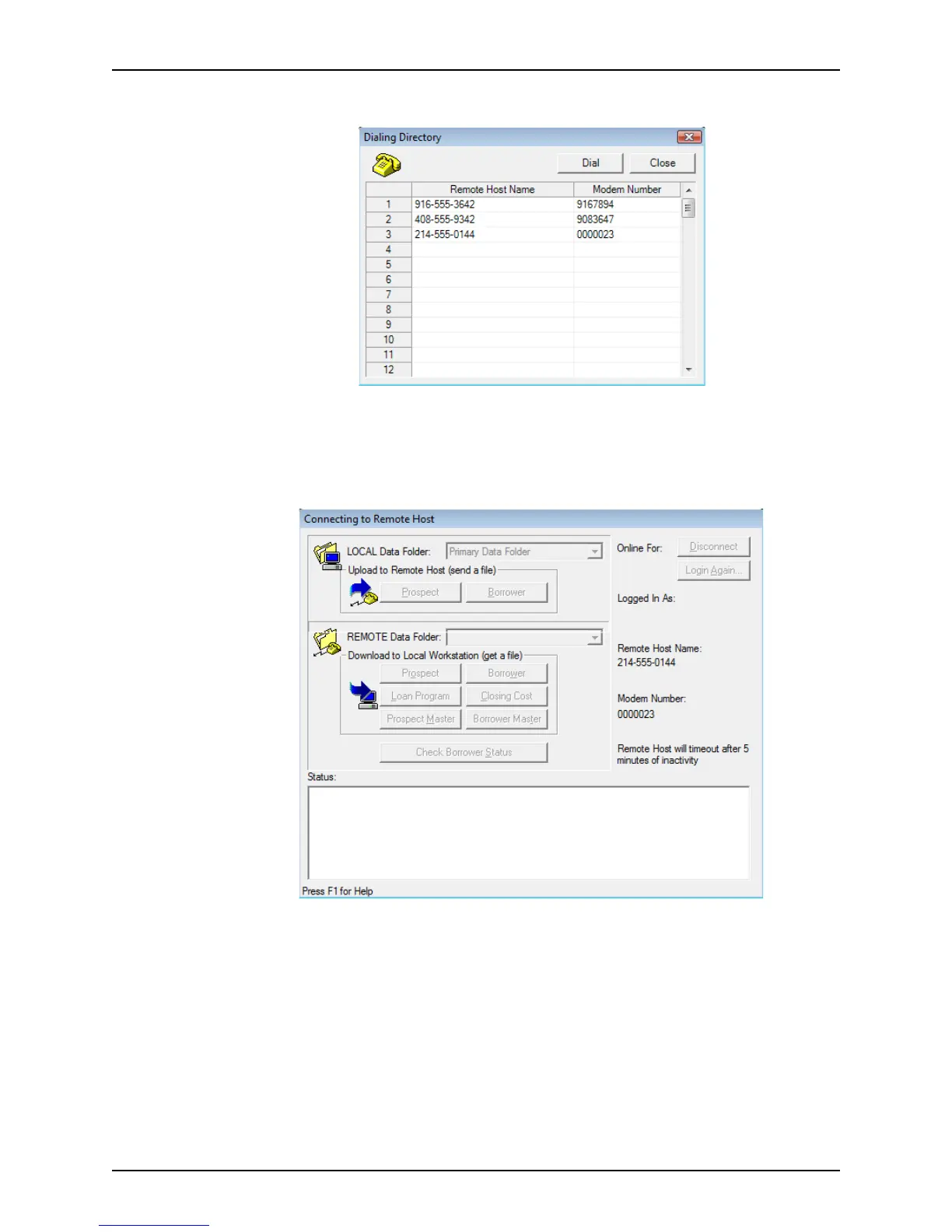
The Dialing Directory dialog box is displayed.
4 Select the number you need from the list.
If the number you need is not already in the list, you will need to add it.
5 Click Dial.
The
Connecting to Remote Host dialog box is displayed.
If any of the data folders on the computer in Host mode have security activated, you
are prompted for a user ID and password.
6 Enter your user ID and password to access the protected data folders.



 To Next Page