58 Calyx Software
Utilities configuration
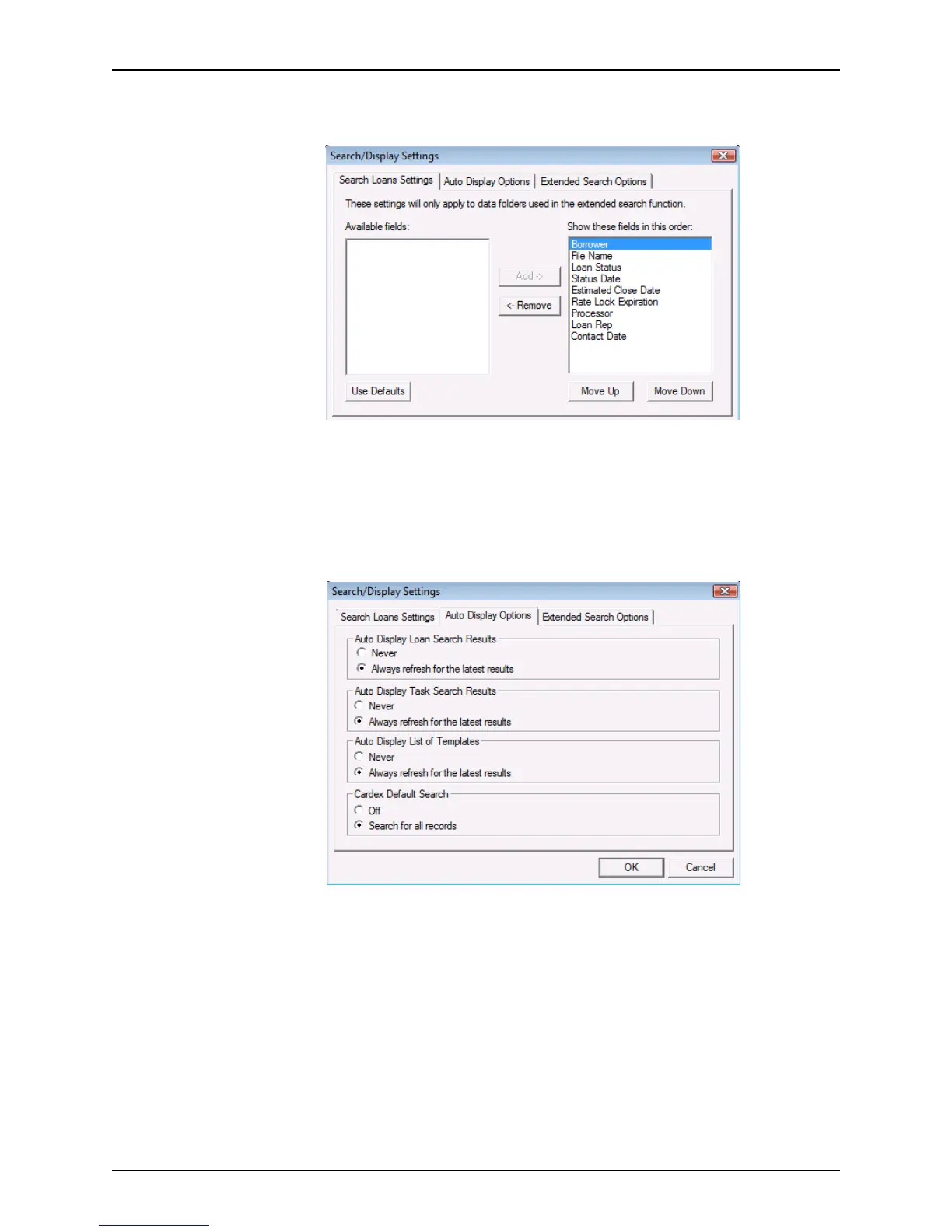
The Search/Display Settings dialog box is displayed with the Search Loan Settings
tab selected.
2 In the Search Loans Settings tab:
• Select the fields to display by using the Add and Remove options.
• Change the sequence they are displayed by using the Move Up and Move
Down options.
• Revert to the default settings by clicking Use Defaults.
3 Click the Auto Display Options tab.
4 In the Auto Display Options tab, select
Never or Always refresh for the latest results for
each of the top three sections, then
Off or Search for all records in the Cardex Default
Search
section.



 To Next Page