Point User Guide 109
Entering assets and liabilities
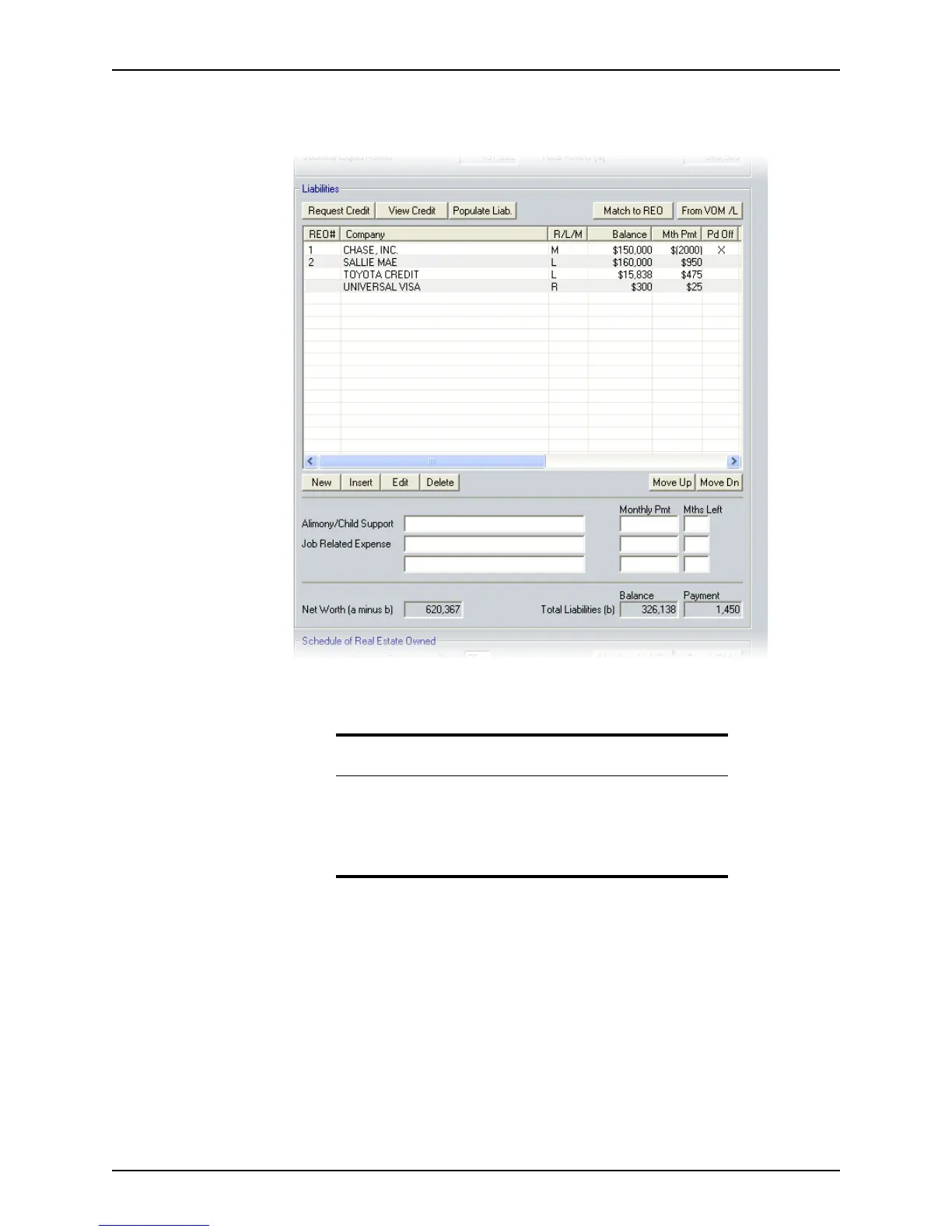
To complete the Liabilities section:
1 Open page 3 of the
Loan Application and go to the Liabilities section.
Use the following three methods to enter liabilities:
• Manually enter them into the Loan Application.
• Import the liabilities that are recorded in the Verification of Mortgage/Rent or
Verification of Loan.
• Use the credit company interfaces by clicking the Request Credit, View Credit,
and Populate Liab buttons.
Caution
Entering liabilities by importing them from the verification screens or by
populating them from the credit report replaces all existing information
in the liabilities section.
To prevent loss of data, use only one of these methods and enter
additional liabilities manually after the import process is complete.



 To Next Page