Point User Guide 123
Disclosures
f Select who is to make the payment (Borrower, Seller, Broker, Lender, Third Party, or
Correspondent) from the Paid By dropdown list.
Borrower is assumed when no option is selected.
g Specify whether the payment is a prepaid finance charge (PFC), FHA-allowable
(F), or paid outside of closing (POC).
h For user-defined fees, type the line number or select it from the dropdown list,
enter a description or select a description of the fee from the dropdown list, and
complete the remaining fields.
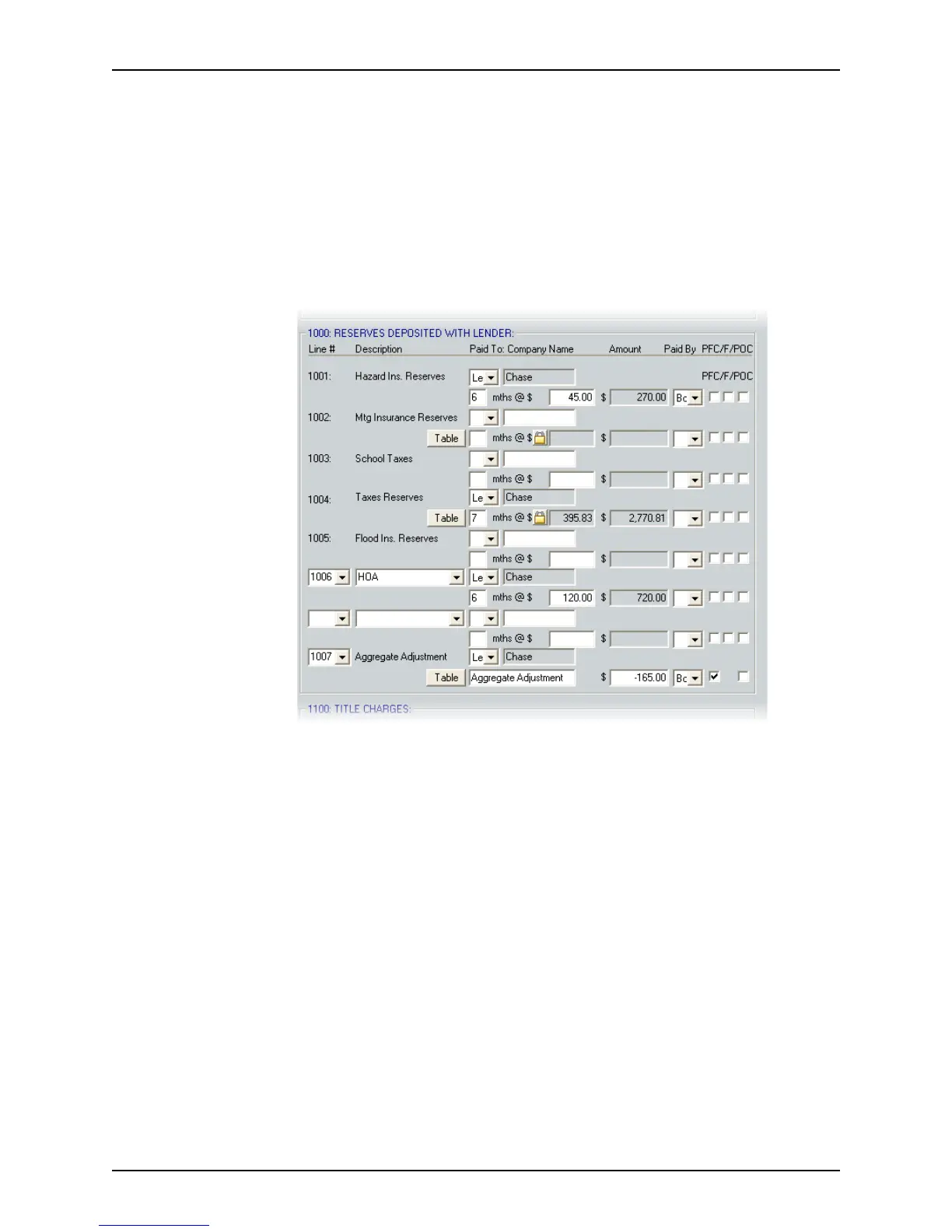
6 Complete the
Reserves Deposited with Lender section as described in Step 5.
This section contains an itemized list of reserves that the lender requires to be paid in
advance to the impound account, who they are paid to, who pays them, and whether
they are a prepaid finance charge, FHA-allowable, or paid outside of closing. Blank
fields are provided to add user-defined fees.
Use the Tabl e buttons to open the table of fees that were defined in the dropdown list
utility for the
MtgInsuranceReserves and TaxesReserves fields, or enter the
information manually.
Use the
AggregateAdjustment Ta b le button to open the Initial Escrow Account
Setup
dialog box. This dialog box is used to specify funds that are to be deposited
into an escrow (impound) account.



 To Next Page