Point User Guide 125
Disclosures
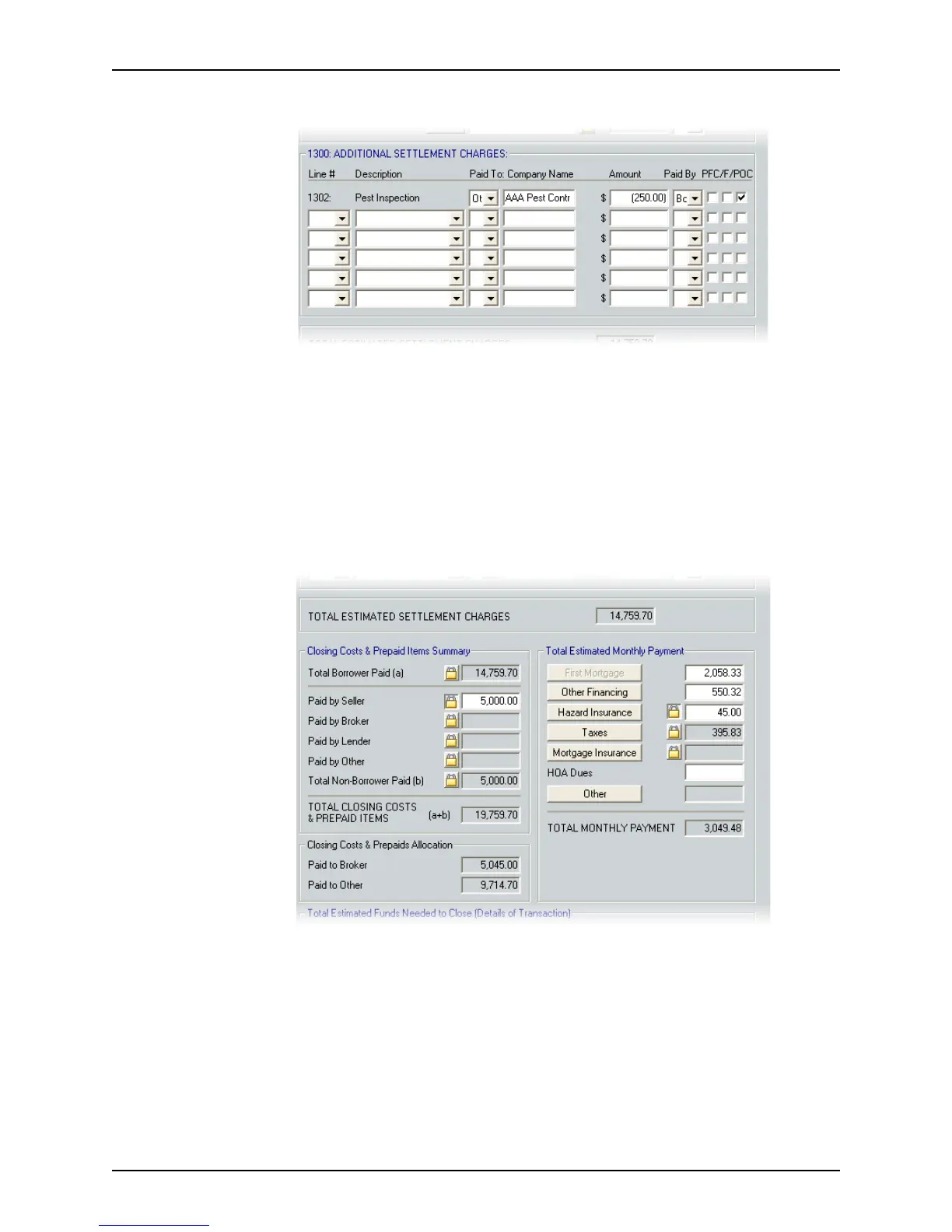
9 Complete the Additional Settlement Charges section.
Enter any user-defined fees that are not included elsewhere in the GFE:
a Type the line number or select it from the dropdown list.
b Select the type of fee from the Description dropdown list or enter a description
manually.
c Select the payment recipient, enter the company name, enter the amount, select
who is to make the payment, and specify how the charges are being paid (
PFC/F/
POC
).
10 Review the costs in the
Closing Costs & Prepaid Items Summary and Total Estimated
Monthly Payment
sections.
The total settlement charges are calculated and populated in the
TotalEstimated
SettlementCharges
field.
The closing costs and prepaid item allocations are totaled in the
Closing Costs &
Prepaid Items Summary
and in the Closing Costs & Prepaids Allocation section. An
estimate of the monthly payments is provided in the
Total Estimated Monthly
Payment section
.



 To Next Page