Point User Guide 131
Disclosures
Start Rate
Bases the minimum payment at the start or “teaser” rate.
For the start rate to be 1.25% and increase to the full note rate after a month,
enter
1.25 in the InitialPmtRate%field, and 1 in the InitialPmtRatePeriod.
% Below Note Rate
Bases the minimum payment at a rate less than the note rate.
If the percent below the note rate is 3% and the note rate is 7%, the formula is
7% – 3% = 4%. Therefore, the minimum payment is calculated by using 4%
as the rate.
% of Amortized Payment
Bases the minimum payment on a percentage of the fully amortized payment.
If the percent of amortized payment is 55% and the full payment is $1,432, the
formula is $1,432 x .55 = $788.05 minimum payment.
b Enter the number of months that the borrower is eligible to make the initial
payment rate in the
InitialPmtRatePeriod field.
c Check the
Interest Only During Initial Pmt Rate Period check box to specify
interest-only payments during the initial payment rate period. When checked, the
initial interest-only payments expire at the end of the term that is specified in the
InitialPmtRate field and default to the period InterestOnly___mths field.
d Enter a value in the
AdjCap field to specify a payment adjustment.
e Enter a value in the
AdjPeriod field to specify the term in which the payments can
adjust.
f Enter the re-amortization rate and the number of months it is effective in the
RecastPd/Stop fields.
The recast period is the lesser of the minimum payment term or the interest only
period.
g Check the
Calculate Qual Ratios at the Max Adjusted Loan Balance check box to
calculate a new loan amount and debt-to-income ratios based on the new loan
amount.
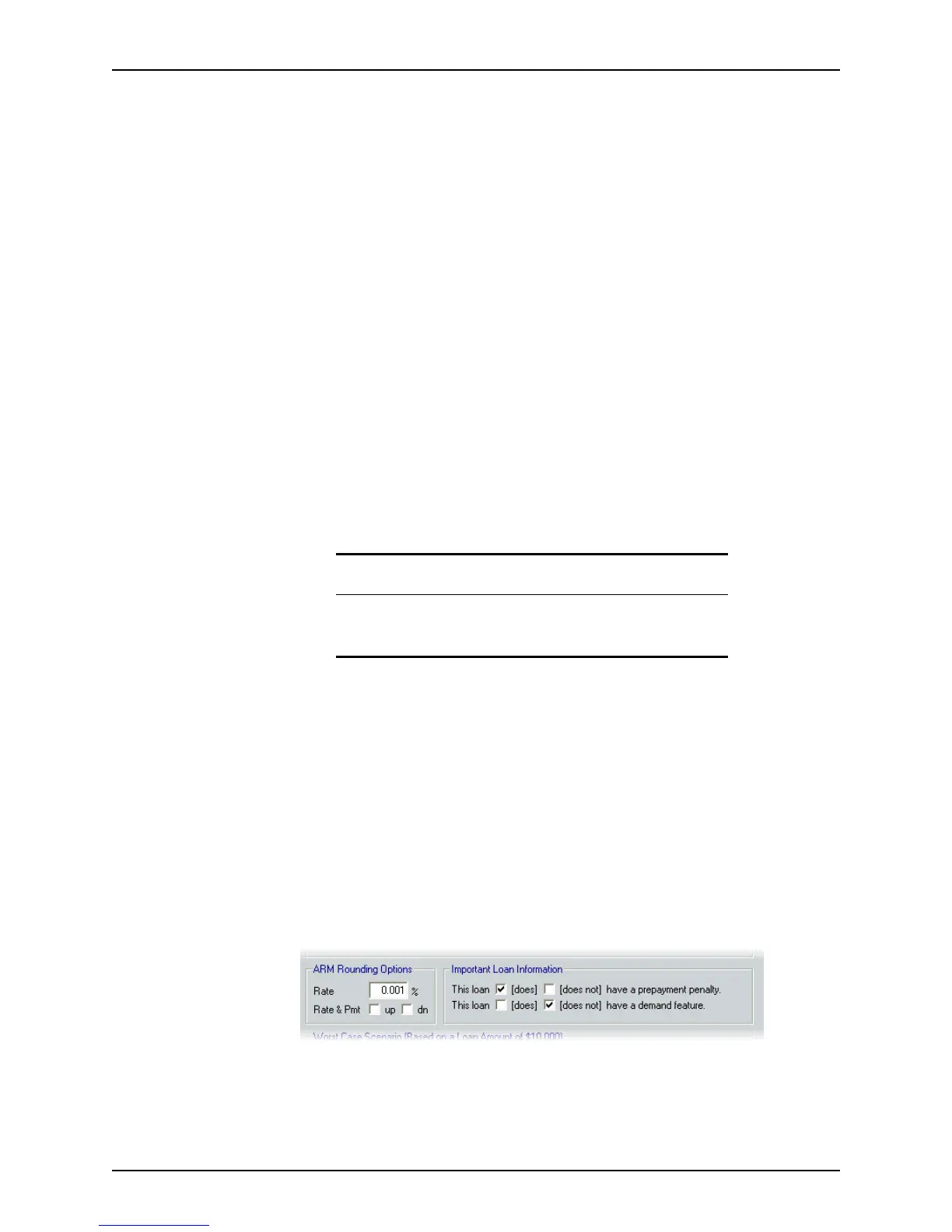
8 Complete the
ARM Rounding Options and Important Loan Information sections.
Attention
Even though the payment adjustment is lower than the full amortization
amount during the initial payment rate period, the debt-to-income ratio
is still calculated based on the qualifying rate.



 To Next Page