Point User Guide 147
Disclosures
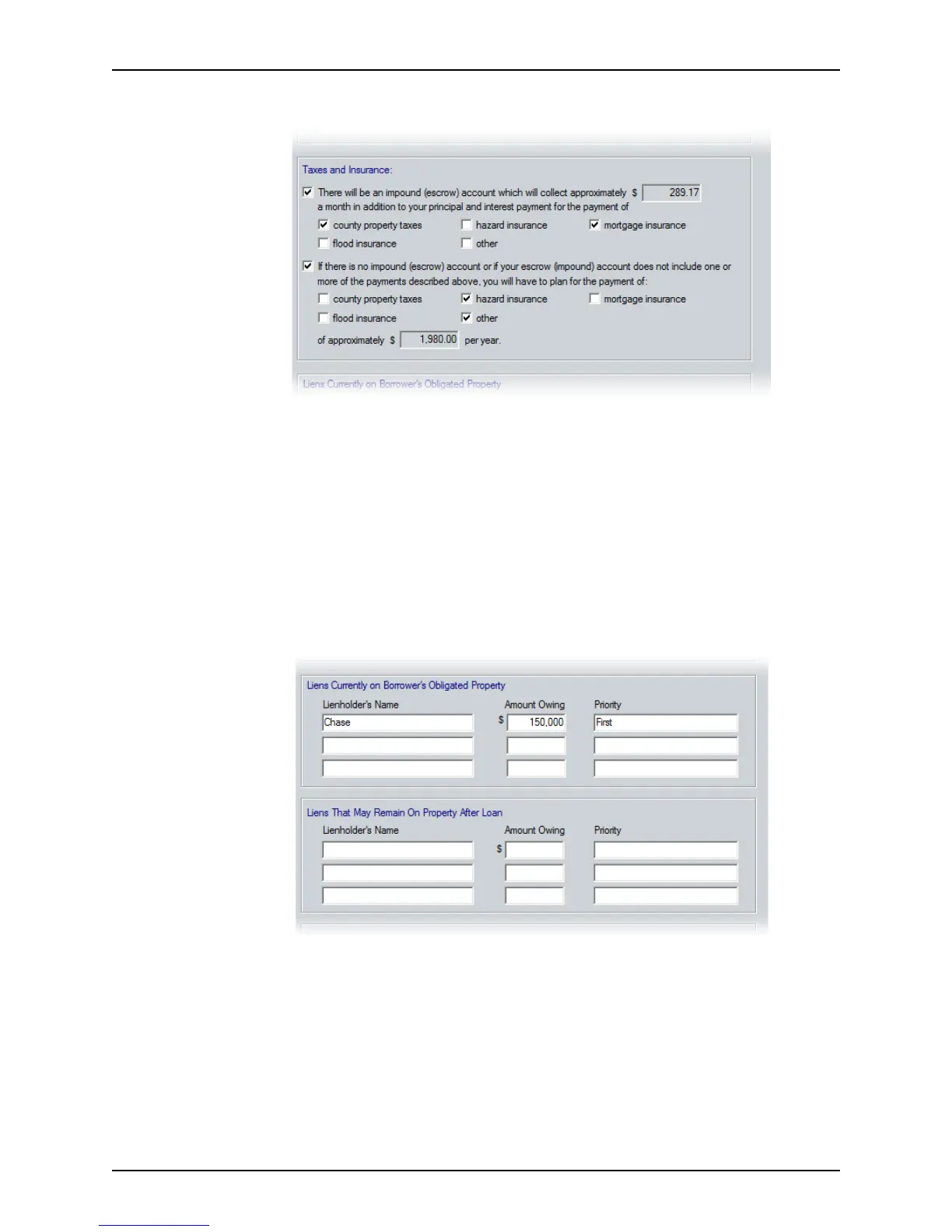
6 Complete the Taxes and Insurance section.
a If the monthly loan payment will include an impound account payment, select the
first option.
b Select the check box for each fee that is included in the impound payment.
The total amount of the monthly impound payment is automatically calculated.
c If an impound account is not established or if the borrower is making some
payments directly, select the second option.
d Select the check boxes for the fees that the borrower is paying directly.
The annual total of borrower-paid fees is automatically calculated.
7 Complete the
Liens Currently on Borrower’s Obligated Property and Liens that May
Remain on Property After Loan
sections.
a In the
Liens Currently on Borrower’s Obligated Property section, enter the
lienholder’s name, the amount owed, and the priority of any liens against the
property (excluding the subject loan).
b In the
Liens that May Remain on Property After Loan section, enter the
lienholder’s name, the amount owed, and the priority of any liens against the
property that can remain after the loan is closed.



 To Next Page