240 Calyx Software
Banker functions
The LockConfirmedDate field is automatically populated with the current date.
b Click the Create Lock Confirmation button.
The Lock Confirmation document is generated and is automatically added to the
document repository.
The Email Document dialog box is displayed. The FileName field is
prepopulated with the document name.
c To e-mail the document, keep the default file name or enter a new name and click
OK.
To cancel the e-mail request, click Cancel.
d Click the Loan Program Details button to access the
Program & Rate Lock
Details
dialog box.
Select the tab that corresponds to the information you want to view or edit and
make the necessary changes.
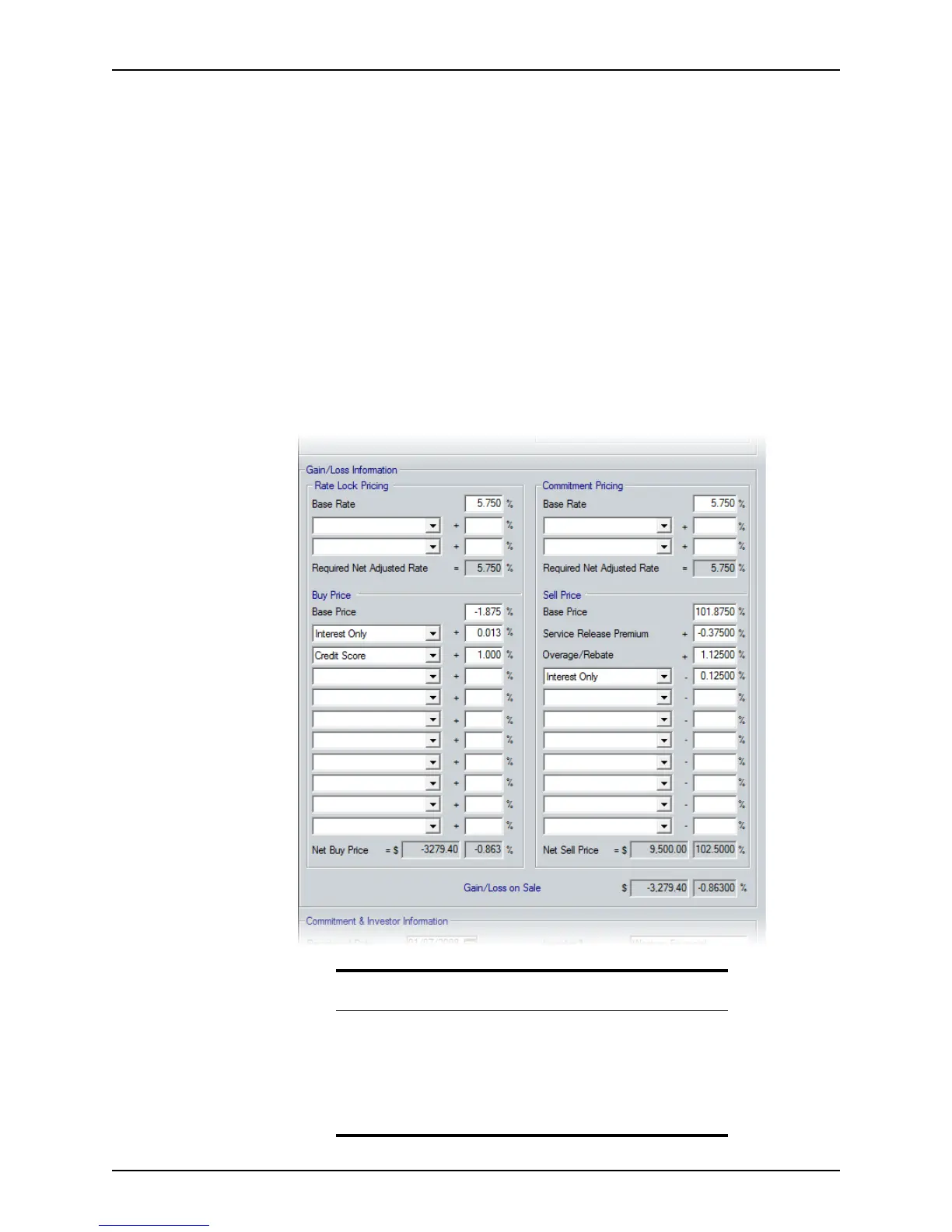
5 Complete the
Gain/Loss Information section.
Prerequisite
A default set of adjustment type values for the dropdown lists in the
Gain/Loss Information section is included with Point. These values do
not display in the lists the first time this screen is accessed. To populate
the lists, exit the screen, open the
Dropdown List: Adjustment Type
dialog box (Utilities > Dropdown Lists > Adjustment Type), and click
OK to close it. Return to the
Secondary Marketing screen. The lists are
now populated.



 To Next Page