246 Calyx Software
Banker functions
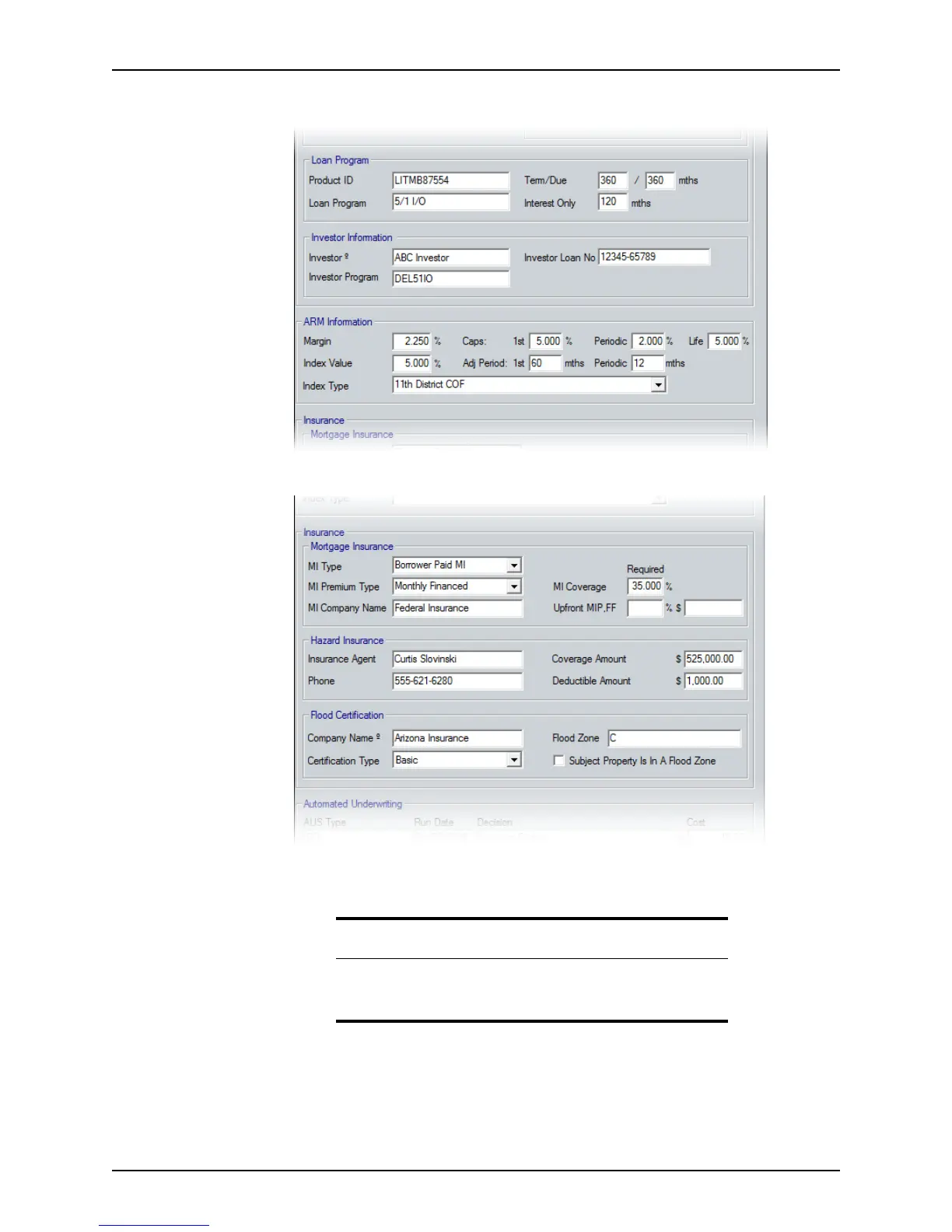
5 Complete the Loan Program, Investor Information, and ARM Information sections.
6 Complete the
Insurance section.
The insurance information is also accessible by clicking the Insurance button on the
Conditions and Closing screens.
Tip
The Hazard Insurance and Flood Certification sections are automatically
populated when those services are requested through the Point Services
interface.



 To Next Page