252 Calyx Software
Banker functions
e When the condition is closed, enter the ClearedDate.
The
ClearedBy field is automatically populated with the current user.
To enter multiple conditions, click Save & New after each entry.
Use the arrow buttons to navigate between entries in the
Edit Conditions dialog
box.
f When you are finished entering conditions, click Save & Close.
9 To populate the conditions list with the default conditions, click Add Defaults.
The default conditions are added to the list.
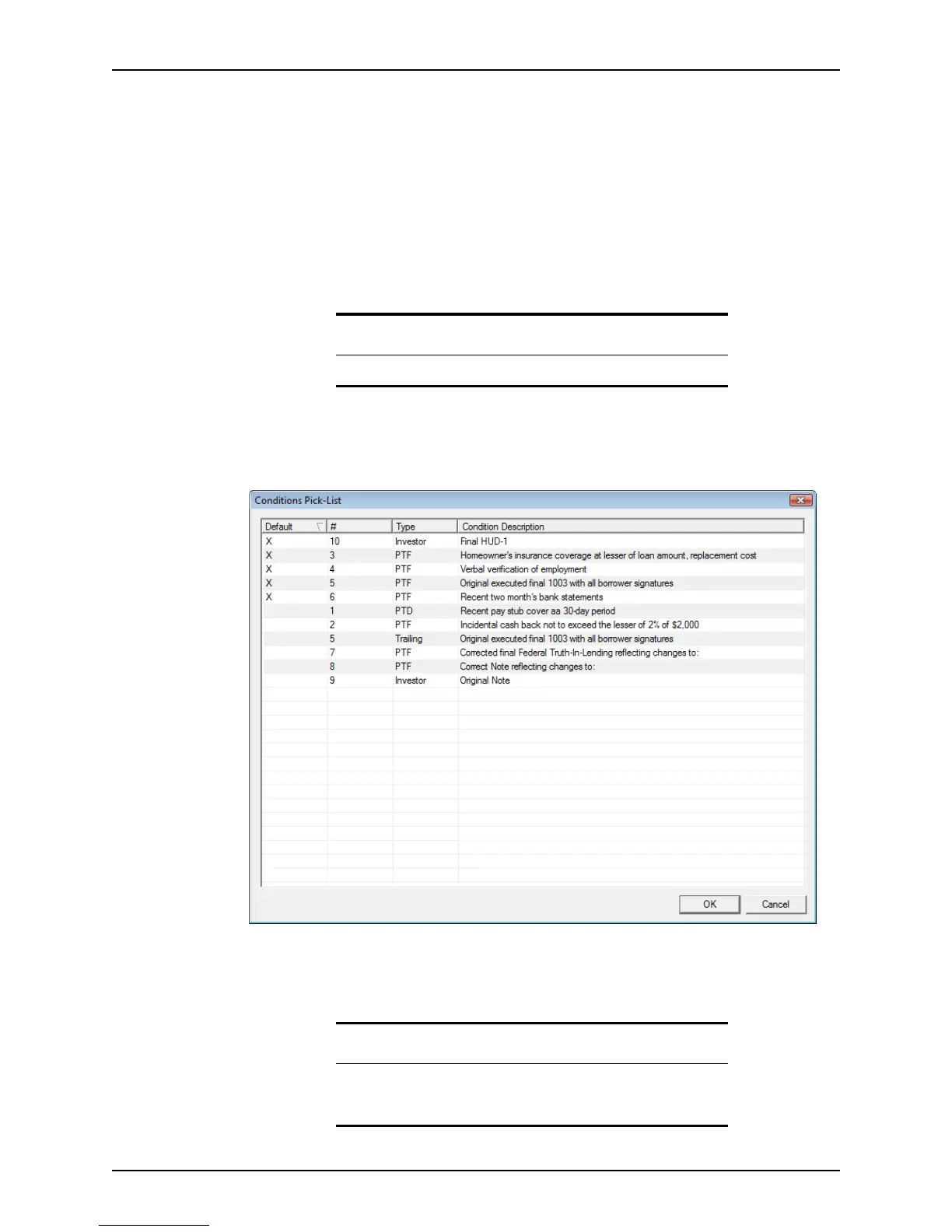
10 To select the conditions from a pre-established list, select Add Conditions from Pick-
List.
The
Conditions Pick-List dialog box is displayed.
The Conditions Pick-List is created by using the Company Defaults option from the
Utilities menu.
11 Select the conditions to add and click OK.
Note
The default conditions are appended to the conditions list.
Tip
To select multiple conditions, hold the <Ctrl> key as you select each
condition. To select multiple consecutive conditions, hold the <Shift> key
as you select the first and last condition.



 To Next Page