254 Calyx Software
Banker functions
2 Select Banker > Closing.
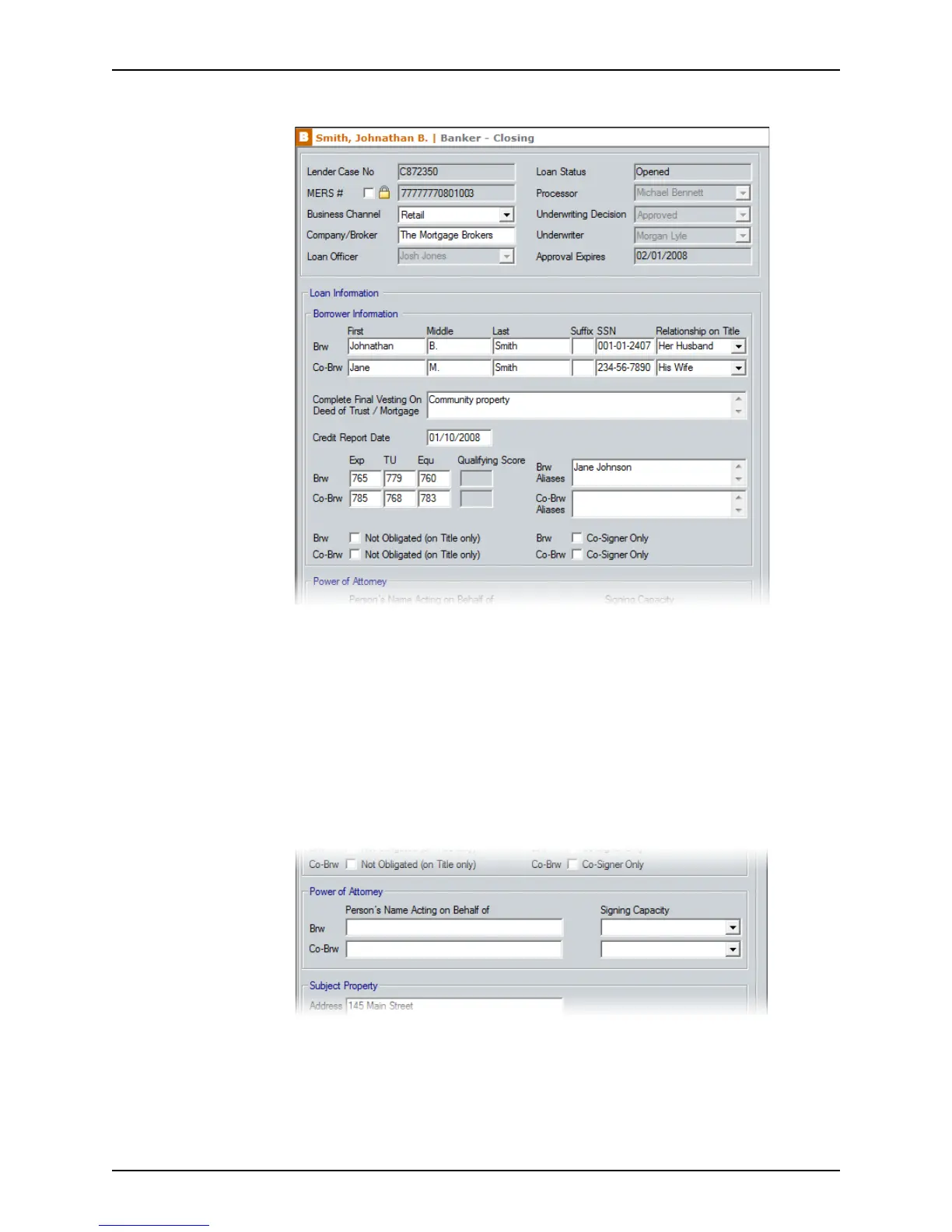
The top portion of this screen contains general loan, borrower, and underwriting
information. Most of these fields are prepopulated with information that was entered in
other screens.
3 Select the
Not Obligated (on Title only) check box for the borrower or co-borrower to
indicate that their name is to appear on the title, but that they are not obligated on the
loan.
4 Specify whether the borrower is only a co-signer by selecting the corresponding
Co-
Signer Only
check box.
5 Complete the
Power of Attorney section if someone is acting on behalf of the
borrower or co-borrower.
a Enter the name of the person who is signing in the
Brw or Co‐Brw field.
b Select the Signing Capacity option from the dropdown list.



 To Next Page