Point User Guide 255
Closing loans
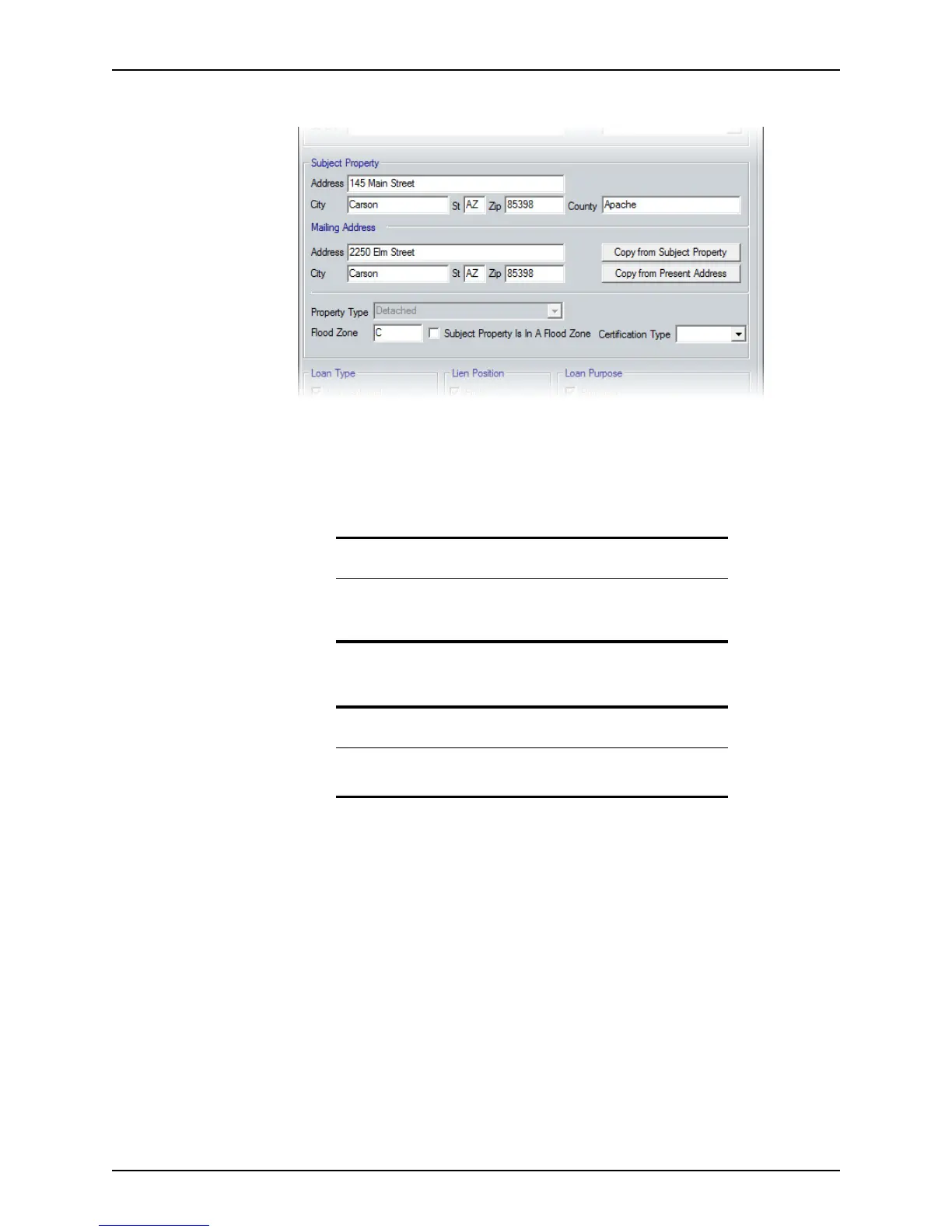
6 Update the Subject Property and Mailing Address sections, if needed.
Use the Copy from Subject Property or Copy from Present Address buttons to
populate the
Mailing Address section from information in the Borrower Information
screen.
7 If the property is in a flood zone enter the zone in the
FloodZone field and select the
Subject Property Is in a Flood Zone check box.
8 Select the Certification Type from the dropdown list.
Tip
If the flood certification is requested through the Calyx services interface,
the
FloodZone field and Subject Property Is in a Flood Zone check box
are automatically completed.
Note
The Subject Property Is in a Flood Zone check box and Certification
Type dropdown list are disabled if the
FloodZone field is empty.



 To Next Page