256 Calyx Software
Banker functions
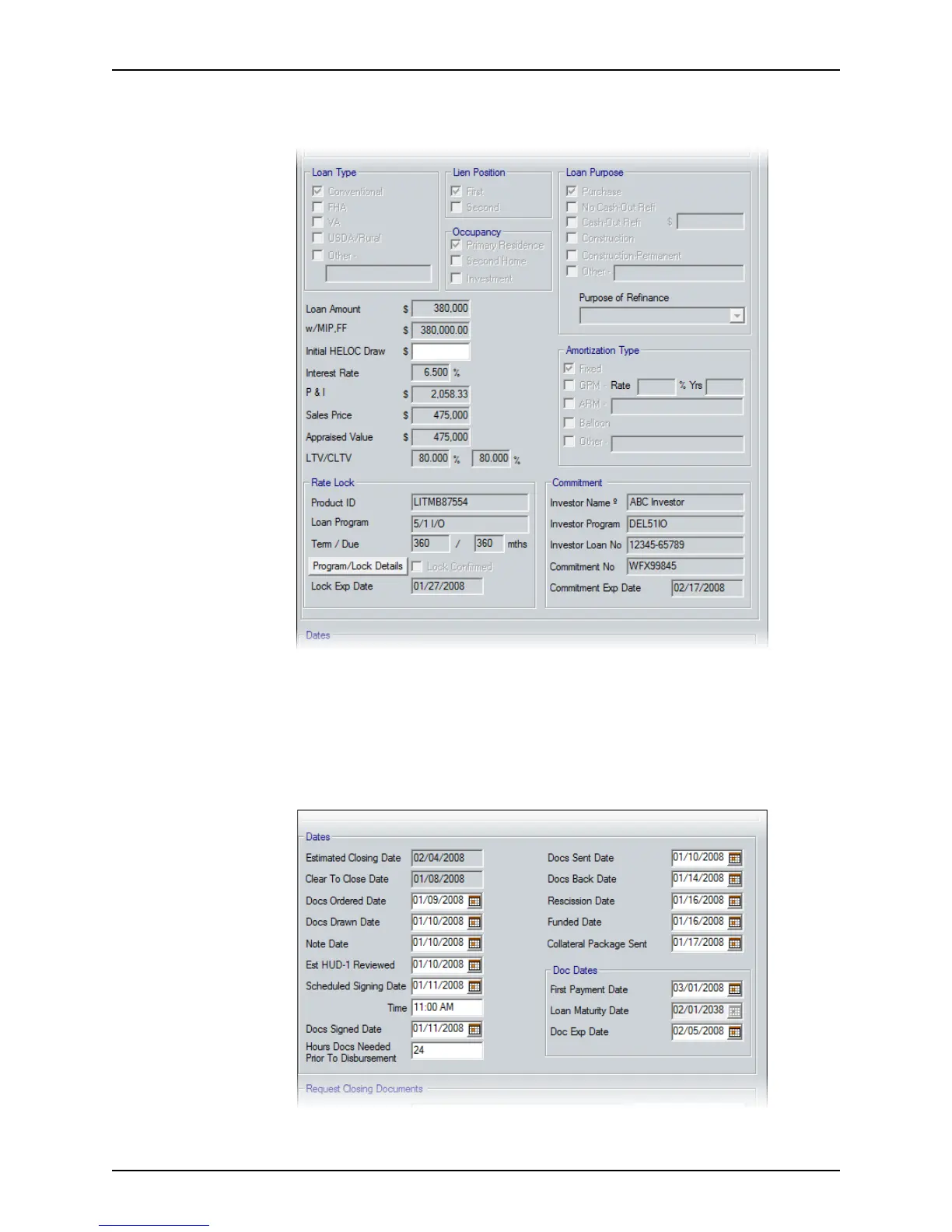
9 Enter the amount that the borrower is approved to receive as a draw against the
Home Equity Line of Credit in the
InitialDrawonHELOC field.
The remaining data is provided in this section for informational purposes.
10 Click the Program/Lock Details button to access the
Program & Rate Lock Details
dialog box.
Select the tab that corresponds to the information you want to view or edit and make
the necessary changes.
11 Complete the
Dates section with the completion dates for each event.



 To Next Page