Point User Guide 261
Submitting and tracking warehouse lender loans
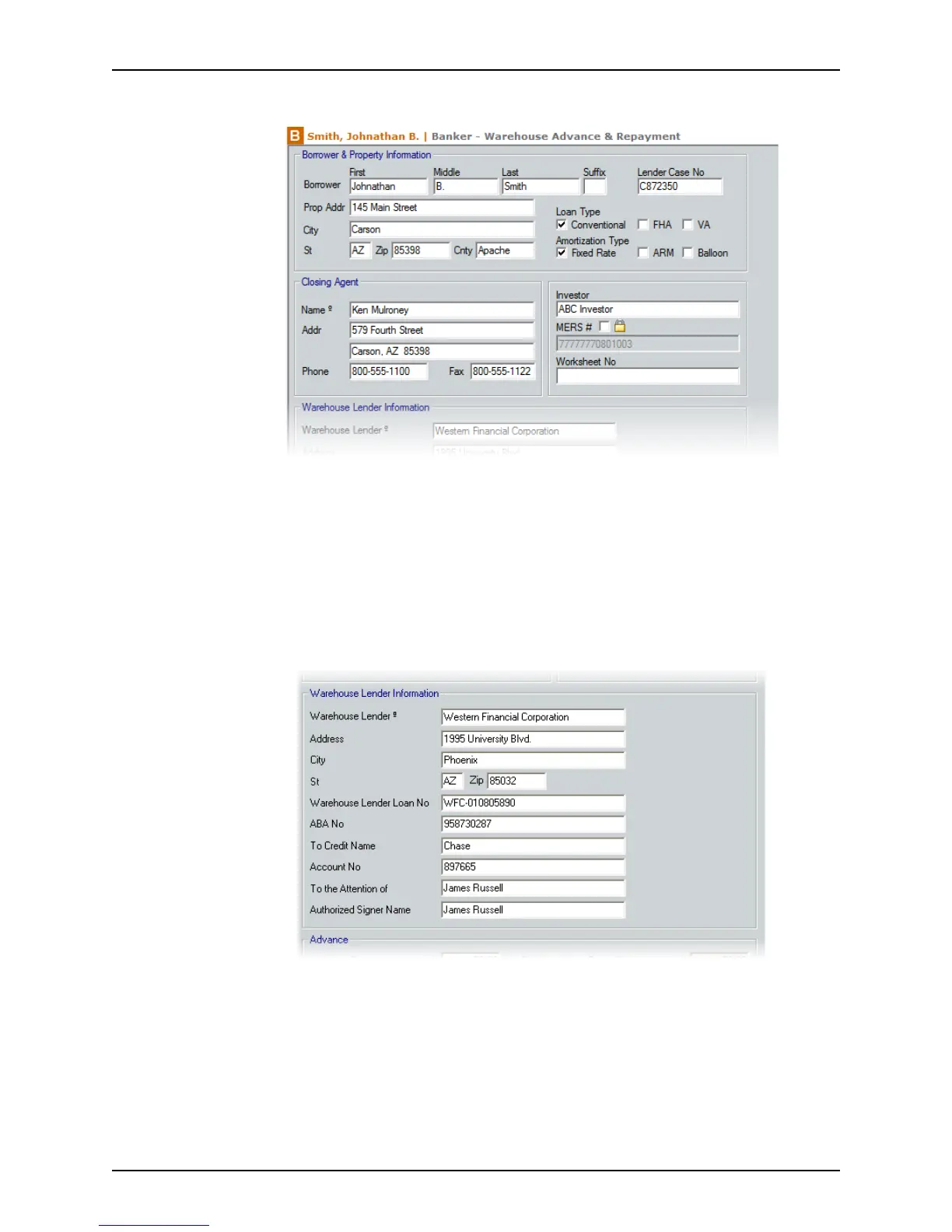
2 Select Banker > Warehouse Advance & Repayment.
The
Borrower & Property Information section is populated from information that was
previously entered in other Point screens.
3 Complete the
Closing Agent section. Enter the information manually or use the
Cardex database to populate these fields.
4 If not prepopulated, enter the
Investor and WorksheetNo.
To override the automatically generated value in the
MERS# field, select the check
box and enter the MERS # manually.
5 Complete the
Warehouse Lender Information section.



 To Next Page