Point User Guide 325
Services
The Borrowers tab contains information about the borrower and co-borrowers.
Most of these fields are populated from information in the
Borrower
Information
screen.
The information for the first borrower in the
Borrower Information screen is
populated in the
Primary Borrower section. The co-borrower information is
populated in the
Co-Borrowers section. Any additional co-borrowers are also
listed here.
b Edit the borrower information if necessary.
c To edit the co-borrower information, select the co-borrower you want to edit and
click Edit Selected.
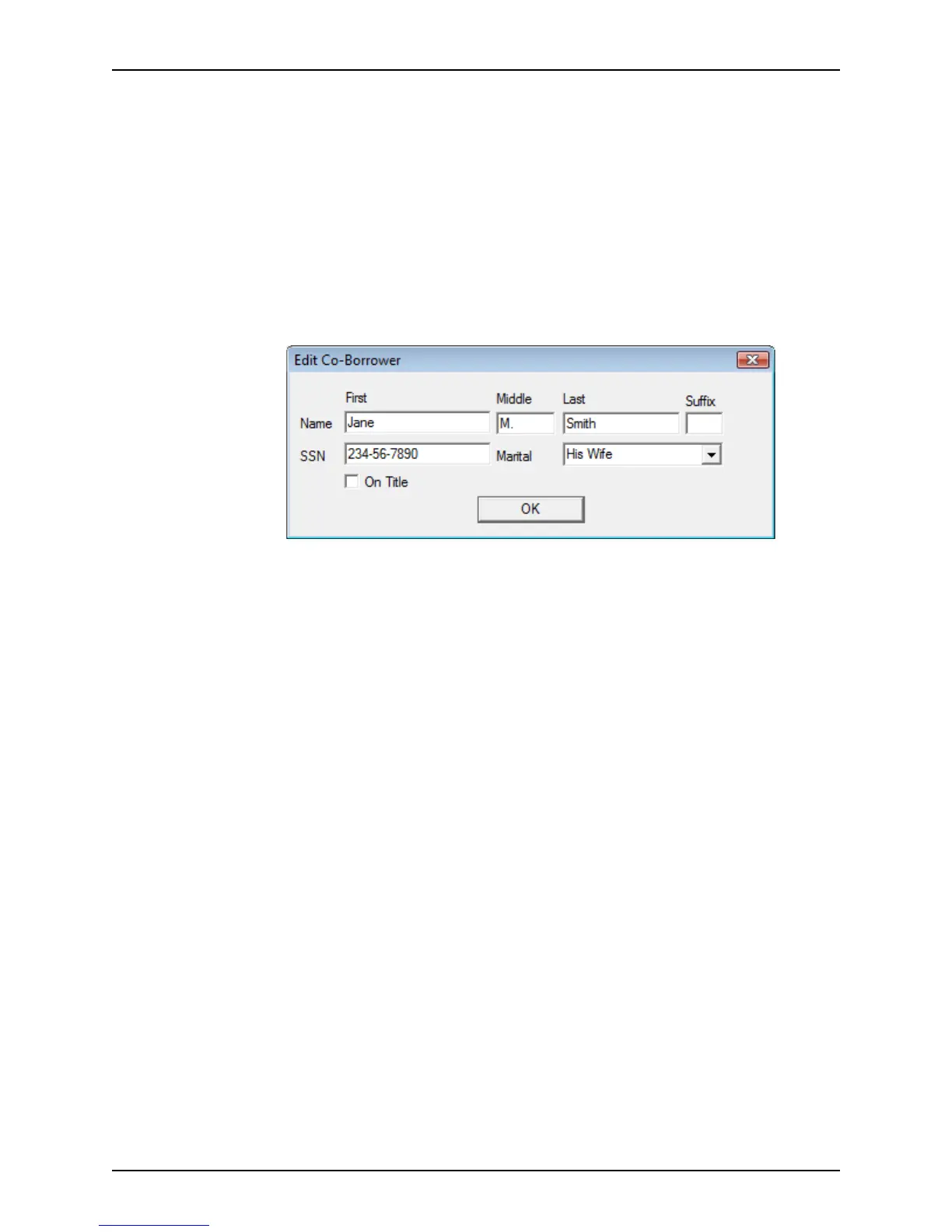
The
Edit Co-Borrower dialog box is displayed.
d Edit the information as required.
The Marital dropdown list is used to specify the marital relationship between the
borrower and co-borrower or the marital status of the co-borrower.
e Select the
On Title check box if the co-borrower is to be listed on the title.



 To Next Page