324 Calyx Software
Integrated products and services
i Navigate to the location where the document is stored on your computer and
select the file.
ii Click Open.
The document is displayed in the
Document Information Preview dialog
box.
iii Select the category and type and click Add.
iv Click OK in the
Select File dialog box.
The document path is entered in the
SendDocumenttoEscrowCompany field
and will be sent when the request is submitted.
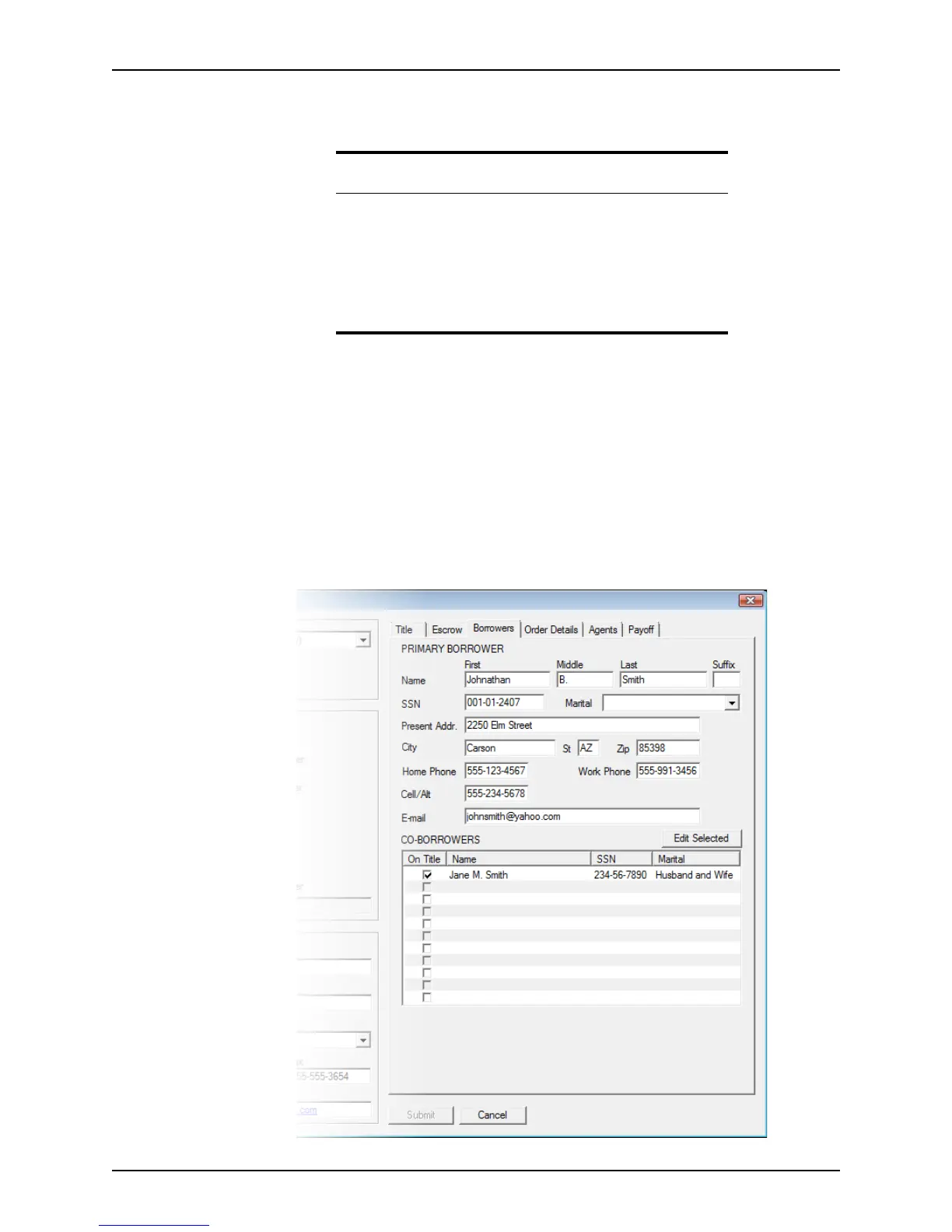
4 Complete the information in the Borrowers tab.
a Select the Borrowers tab.
Attention
If the file is not already in PDF format, you can select the file format from
the dropdown list to view the file.
The following file types are supported:
• .pdf
• .doc, .docx
•.txt
• .tif, .tiff



 To Next Page