402 Calyx Software
Marketing tools
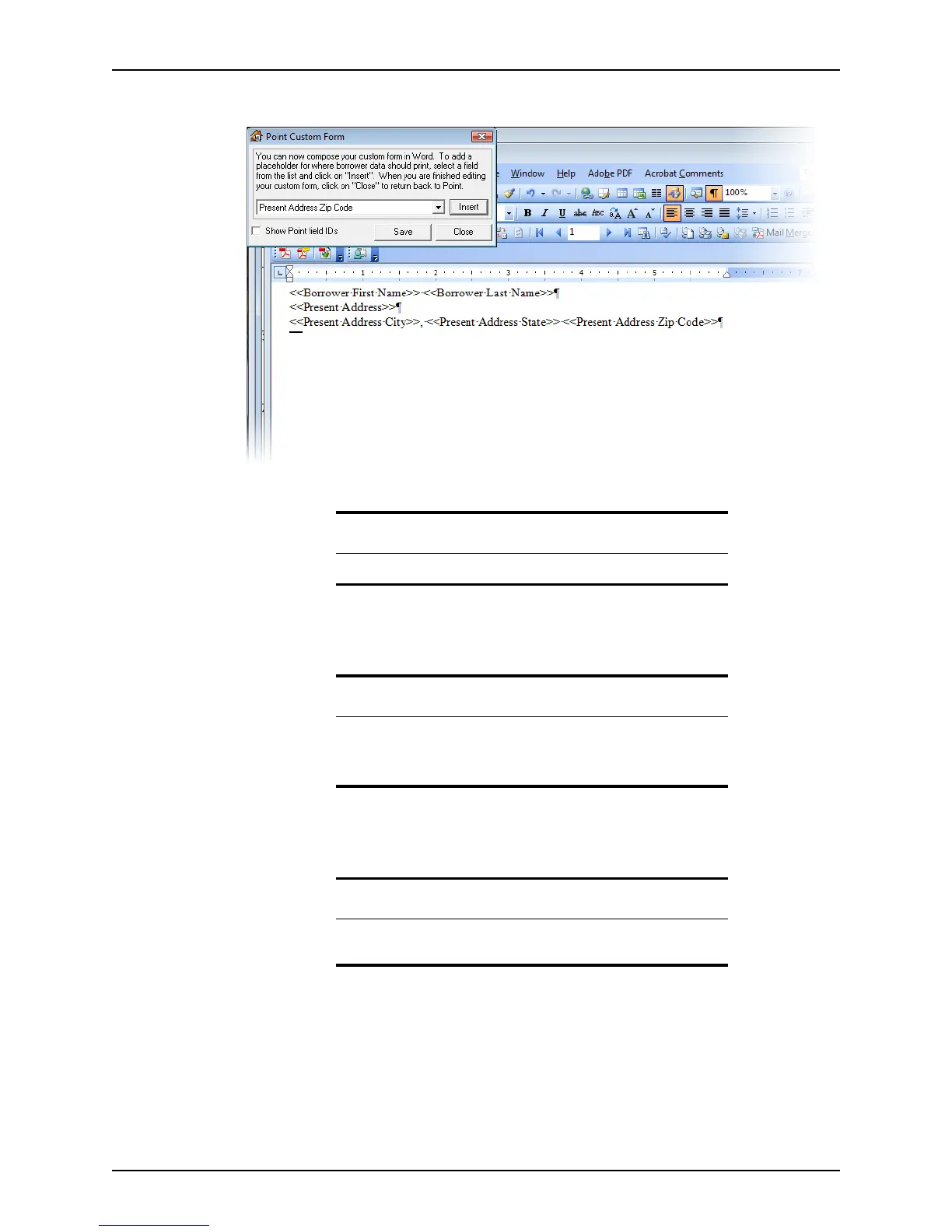
Your document will resemble the following screen:
g Enter the text of the form and format it by using Microsoft Word formatting tools.
If needed, insert merge fields in the body of the letter.
h Click Close to save and close the form.
5 When you are finished creating your form or letter, click Save and then click Close.
Point creates a Word document with the file extension
.pcd
.
Tip
You can also insert merge fields in the body of the document.
Tip
Use the basic Microsoft Word functions to edit and format the form.
You can also add a company logo or graphic by inserting a picture into
the Word document.
Caution
Do not change the file extension or Point will not recognize it as a merge
document.



 To Next Page